Business Profile verification: confirming the right to manage a listing
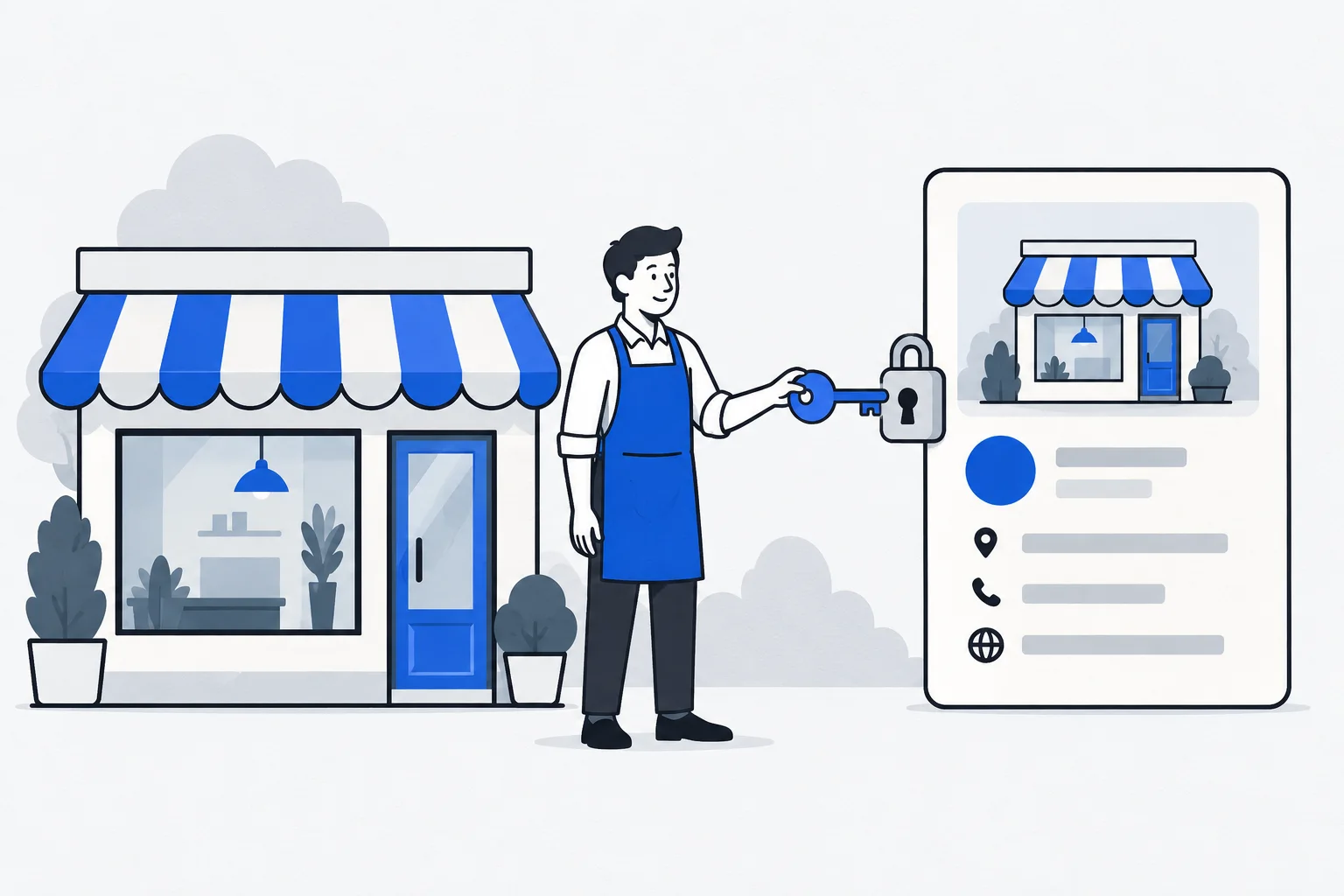
Business Profile verification is Google’s process for checking a business’s relationship and authority to manage a profile. Successful verification enables the relevant management functions. It is not a quality award and does not guarantee rankings in Search or Maps.
Also known as: Google Business Profile verification · business verification
At a glance
- Google determines the verification methods available to a business.
- For an existing profile, clarify access and ownership before creating another.
- Verified information still needs ongoing review and maintenance.
On this page
What does verification check?
Profile management allows someone to change important business information. Google therefore checks whether the applicant has an appropriate relationship to the business. The official verification guide explains available processes and possible additional checks.
This is not a certification of service quality. Verification and a position in the local pack are separate matters. Passing the check does not establish prominent placement in every relevant search.
Why does the method vary?
Google selects the verification options available. The choice can depend on the business, public information and circumstances. More than one form of evidence may be needed, and later reverification may be requested.
It is therefore inaccurate to promise that every business can complete the same single step within a fixed time. Follow the process shown for the actual profile. Evidence should support what the business truly claims about itself.
What is the sensible order of work?
First determine whether a profile already exists. If so, establish whether you have management access or need permission from another owner. Creating a new copy does not resolve access to the old account and can create a duplicate profile.
Then check whether the name, address and service model reflect real operations. Google's guidelines distinguish business types. Entering an address does not turn a location that receives no customers into a public storefront.
Example: new ownership or a new service business
Imagine a bakery changing owners while the previous owner still controls its profile. The issue may be ownership or access rather than a missing listing. Begin by resolving the existing rights, because the public business history may belong to that profile.
A newly established technician who travels to customers faces different questions. Service area and address-display rules matter. A service-area business does not necessarily present the same details as a walk-in shop.
These fictional cases show why the actual operating model should guide the process.
What should you check afterward?
| Item | Purpose |
|---|---|
| Public name and contact details | Help customers reach the correct business |
| Category | Describe the real main activity |
| Opening hours | Reflect current operations |
| Website link | Open the correct business page |
| Manager access | Let responsible people maintain the information |
NAP consistency still matters after verification. Adjust the information when operations change and inspect the public version rather than relying only on saved fields.
Verification is an account or profile state. Accurate customer information is a continuing responsibility.