What is local SEO?
Local SEO is the work of making a business’s online information useful and accurate for searches influenced by geography, including its website, business profile and relevant local listings.
Also known as: local SEO · local search engine optimization
At a glance
- Local intent can exist even when the query does not name a city.
- Business profile results and ordinary website results are related but distinct.
- Useful local pages explain real services and conditions, rather than repeating city names.
On this page
When does a search have local intent?
“Shoemaker in Pécs” is clearly local. “Open nearby” is too. Even a query without a city can produce location-dependent results when the search engine interprets it as a request for a nearby business.
The useful answer depends on the business model. A customer might need to visit a shop, arrange an appointment, check a service area or order an item for national delivery. Search intent and real operating conditions matter more than adding a place name to every sentence.
What parts of your presence are involved?
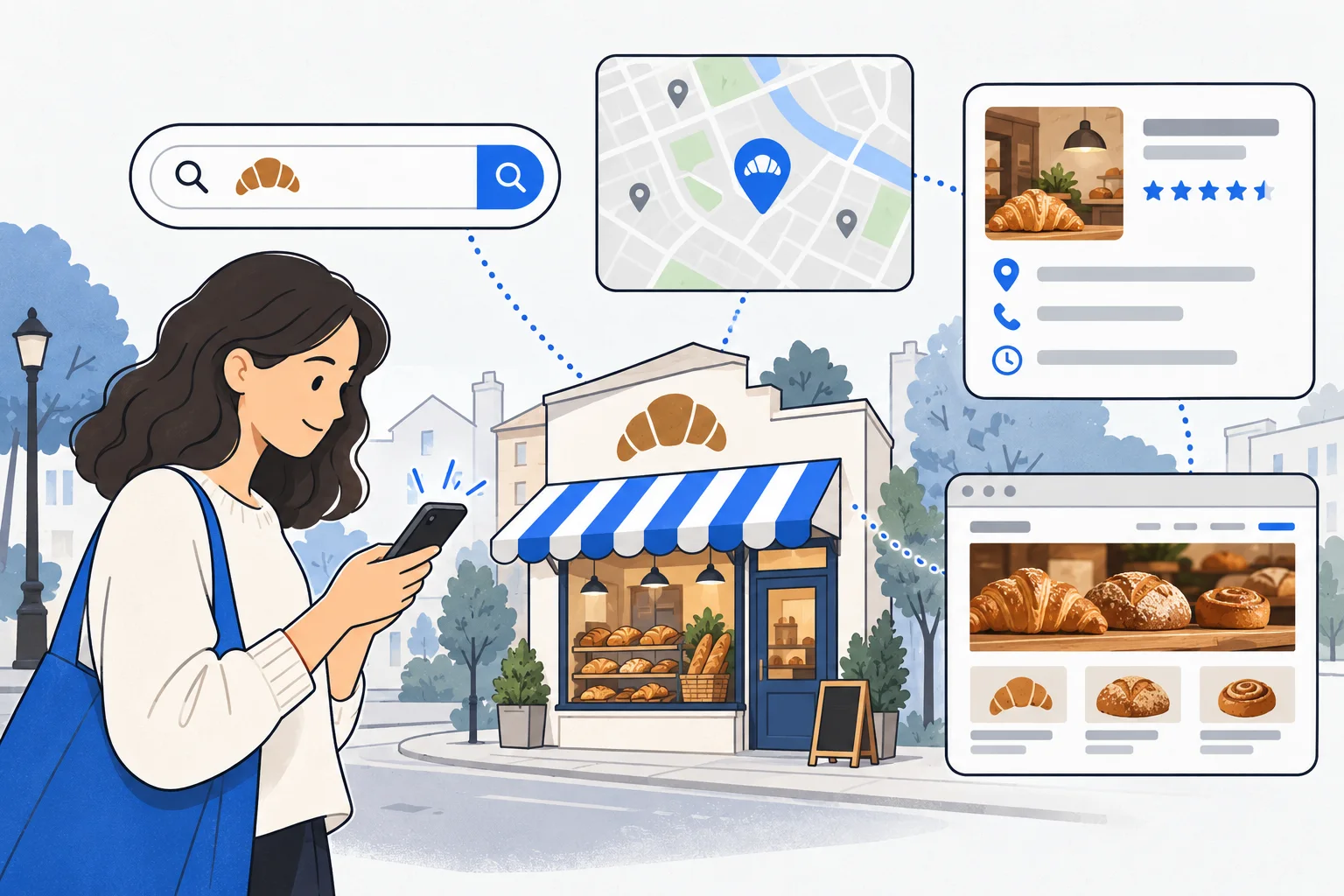
A Google Business Profile can provide concise facts such as business category, opening hours and directions. Your website can explain the service process, conditions, pricing approach and what happens after an inquiry.
The local pack and ordinary web results are different surfaces. A strong profile does not prove that a service page ranks, and a visible website does not establish a position in the map results.
Google describes local results in terms of relevance, distance and prominence. These are explanations of its approach, not three scores that a business owner can directly set or purchase.
What should a local page explain?
Start with questions that affect a customer’s decision:
- Can they walk in, or must they book first?
- Where is the entrance or collection point?
- Which locations do you actually serve?
- What work do you accept, and what falls outside the service?
- What information is needed for a quotation?
Separate location pages make sense when there is meaningful information to distinguish them: different premises, collection arrangements, service conditions or relevant local experience. Replacing the city name in otherwise identical pages adds little value.
An example: a shoe repair shop
Imagine a Pécs repair shop whose page says only that it offers “quality service.” Someone with damaged hiking boots still cannot tell whether the shop handles that material, requires a booking or provides an estimate after inspection.
A useful service page can answer those questions and explain which repairs it cannot accept. The business profile can supply the correct name and hours. An accompanying guide could explain which photographs help with an initial inquiry.
This is a hypothetical content example, not evidence of search volume, ranking improvements or revenue. The topic should be checked against the business’s actual services and customer questions.
What mistakes weaken the approach?
Do not invent locations or insert search phrases into a business name that customers do not actually know by that name. A map result and an organic result cannot be treated as one interchangeable position. A screenshot also reflects a particular query, place and time.
A practical starting point is to list three missing customer decisions and assign each to the right place. Opening hours belong in the business profile; detailed conditions belong on the service page; comparison or preparation questions may deserve a guide.
Keyword research can help identify language and demand. Keep information accuracy, search appearances and actual inquiries separate when evaluating the result.