Location page: describing a real business location
A location page presents a business’s actual shop, office or other operating location. It explains location-specific contact details, directions, opening hours and services. It is not the same as a generic service page created for every city the business wishes to target.
Also known as: Store page · Branch page
At a glance
- Describe verified information specific to a real location.
- Addresses, services and hours can differ between branches.
- Substituting a city name does not by itself create local value.
On this page
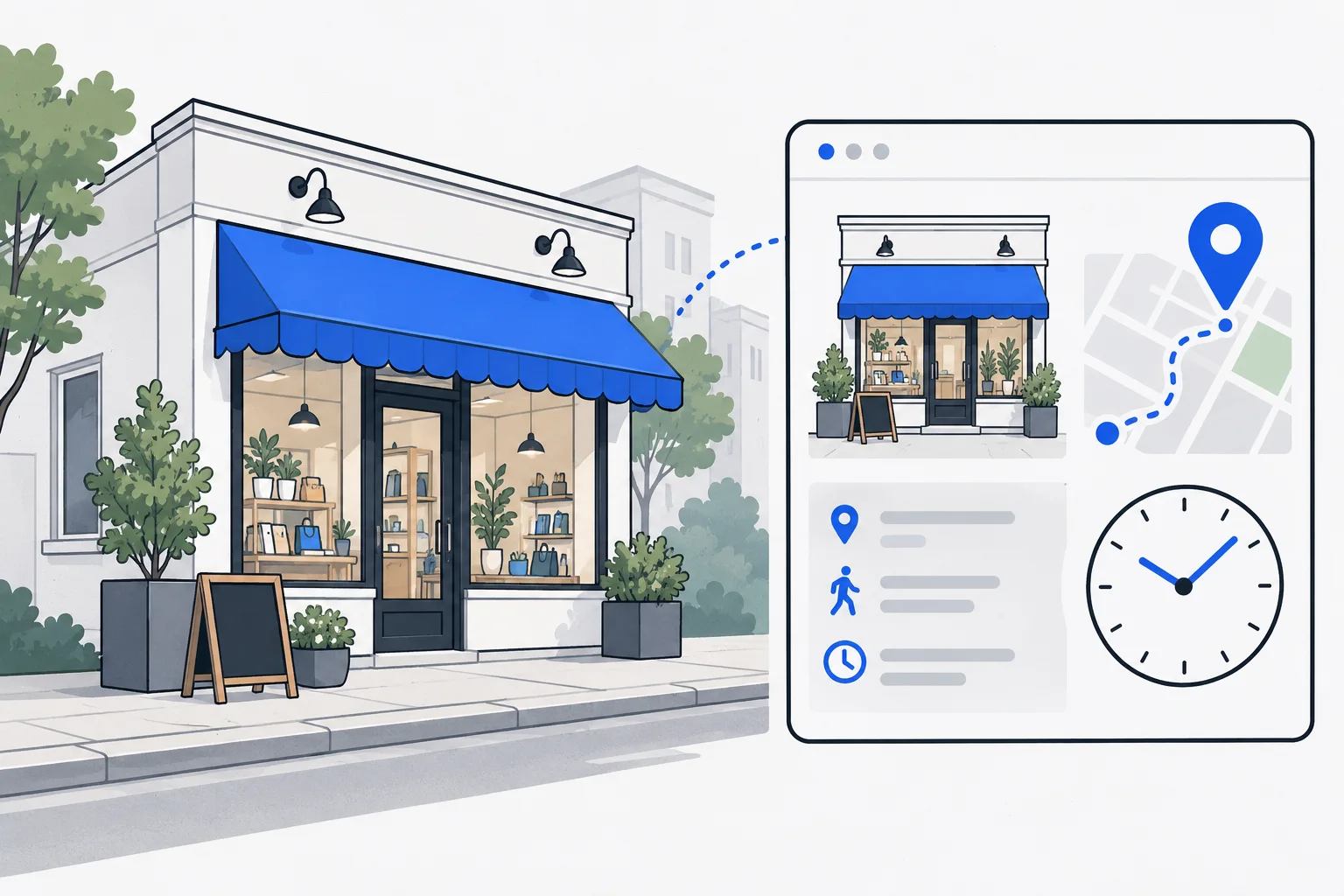
The decisions a location page supports
Visitors need to know whether they are going to the right place, when they can arrive and whether the required service is available there. A general company introduction may not answer these questions.
Alongside the address, useful details can include the entrance, booking process, directions and locally available products. Use verified facts. Inventing local details to fill a template is worse than leaving an unsupported claim out.
How it differs from a service page
A service page explains what the business does. A location page explains how to access a particular place and its local offering. They can naturally link to each other.
| Information | Typical home |
|---|---|
| General service process | Service page |
| A shop’s address and opening hours | Location page |
| Selection that differs by branch | The relevant branch page |
| Detailed preparation advice | Related guide |
A service-area business can explain the area it covers without implying a customer-facing shop in every city. The address and wording must reflect the actual arrangement.
Example: two bicycle shops
Imagine a business with two premises. One runs a full repair workshop; the other is only a collection point. Identical pages would leave customers unsure where to take a damaged bicycle.
Explain where repairs take place, where bicycles can be dropped off, how appointments work and when collection is possible. These differences provide real local value. Generic city history is unnecessary padding.
Connect the page accurately
Google’s LocalBusiness documentation describes machine-readable business details. Any markup should agree with the actual location and visible content. LocalBusiness guidance The website link in a Google Business Profile should lead to an appropriate destination.
Use ordinary links from the locations directory to individual pages and connect each location with its relevant services. NAP consistency helps prevent conflicting contact information from confusing visitors.
When many local pages become problematic
Google’s spam policies address doorway abuse. Numerous near-identical city pages that funnel visitors to the same offer without independent local help differ from accurate descriptions of real premises. Doorway guidance
Before adding a page, define the local task it performs. If the reader receives nothing beyond a different city name, a clearer service-area explanation may be more useful. Actual content and operations distinguish a helpful local page from a doorway page.