Editorial calendar: topics, deadlines and responsibilities
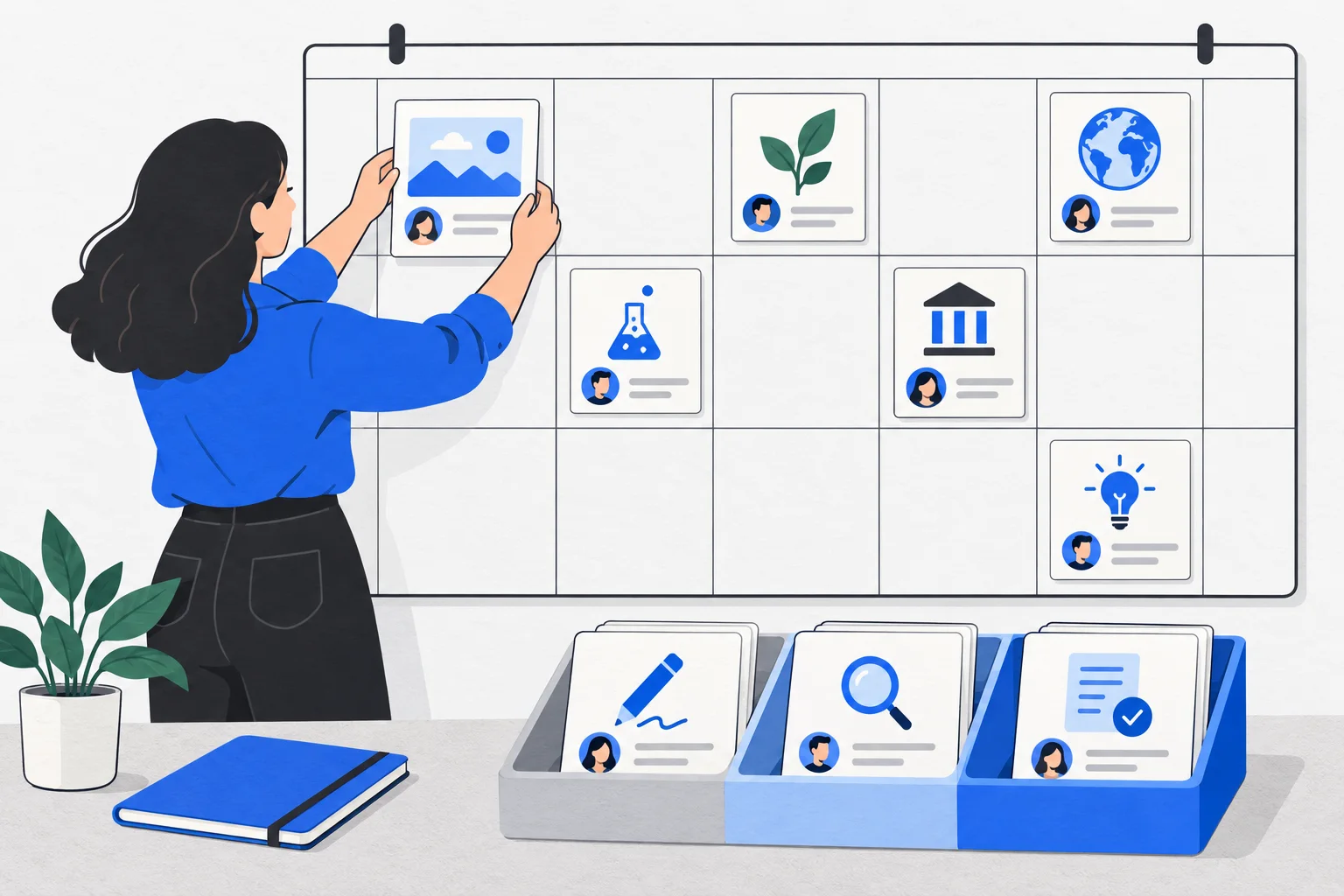
An editorial calendar connects planned content with tasks, owners and deadlines. It shows what is being produced, its current state and what is needed for publication. Entering a publication date does not mean that the content is complete or will publish automatically.
Also known as: Content calendar
At a glance
- A calendar can track production and review as well as publication.
- A planned topic, a finished article and authorized publication are different states.
- Use enough fields to make the real next action visible.
On this page
What the calendar makes visible
An ideas list says what you could write about. An editorial calendar also shows who is working on an idea, when a decision is needed and when usable content is expected. This matters especially when the writer and subject reviewer are different people.
The term does not require a particular application. A maintained spreadsheet can work. What matters is that everyone understands the dates and status labels consistently. Editorial calendar examples
How it differs from content strategy
A content strategy identifies the audience, questions and business purpose. The calendar organizes that work over time. A title scheduled for every week does not establish that those titles answer important customer questions.
A content brief defines one piece’s assignment and constraints. An article outline organizes its explanation. The calendar can link to both without putting every research note into one cell.
Example: preparing for the cycling season
Imagine a bicycle workshop that receives spring questions about checking bikes before their first ride. The guide should be available when customers start planning. Work backward from that need to allow time for expert review and images.
| Item | Decision in this example |
|---|---|
| Reader’s question | What should I check before my first spring ride? |
| Content type | Practical guide linking to the service page |
| Next task | A mechanic reviews the safety wording |
| Current state | Outline complete; full text not approved |
| Publication conditions | Approved copy, suitable image and working links |
This is not a universal publishing schedule. It illustrates real dependencies: a deadline cannot replace missing subject review.
Which fields are useful?
Start with the topic, audience, content type, owner, status, next deadline and working-file link. Add the publication channel when several are involved. A writing deadline and the public release date are separate fields.
Choose informative statuses. “Waiting for a source” or “Awaiting expert review” explains more than “In progress.” A brief meeting can then resolve the next obstacle without retelling the entire assignment.
Track more than the number published
Article count measures output, not accuracy, usefulness or results. Planning around user needs keeps attention on what the reader wants to accomplish. Identifying user needs
Include content refreshes alongside new articles. Correcting an important existing guide can be more valuable than creating an overlapping page. Periodically review which planned pieces can be removed without leaving a genuine reader question unanswered.
A content series needs a sensible sequence, while a newsletter needs a clear promise about what subscribers will receive. Record those dependencies rather than filling dates with unrelated pieces.