What is anchor text?
Anchor text is the visible, clickable wording of a hyperlink. It helps a reader and a search engine understand what content to expect at the destination.
Also known as: anchor text · link text
At a glance
- Describe the destination or the useful next action clearly.
- Natural, relevant wording is more helpful than repeating the same keyword everywhere.
- Good wording cannot repair an unavailable or poorly chosen destination.
On this page
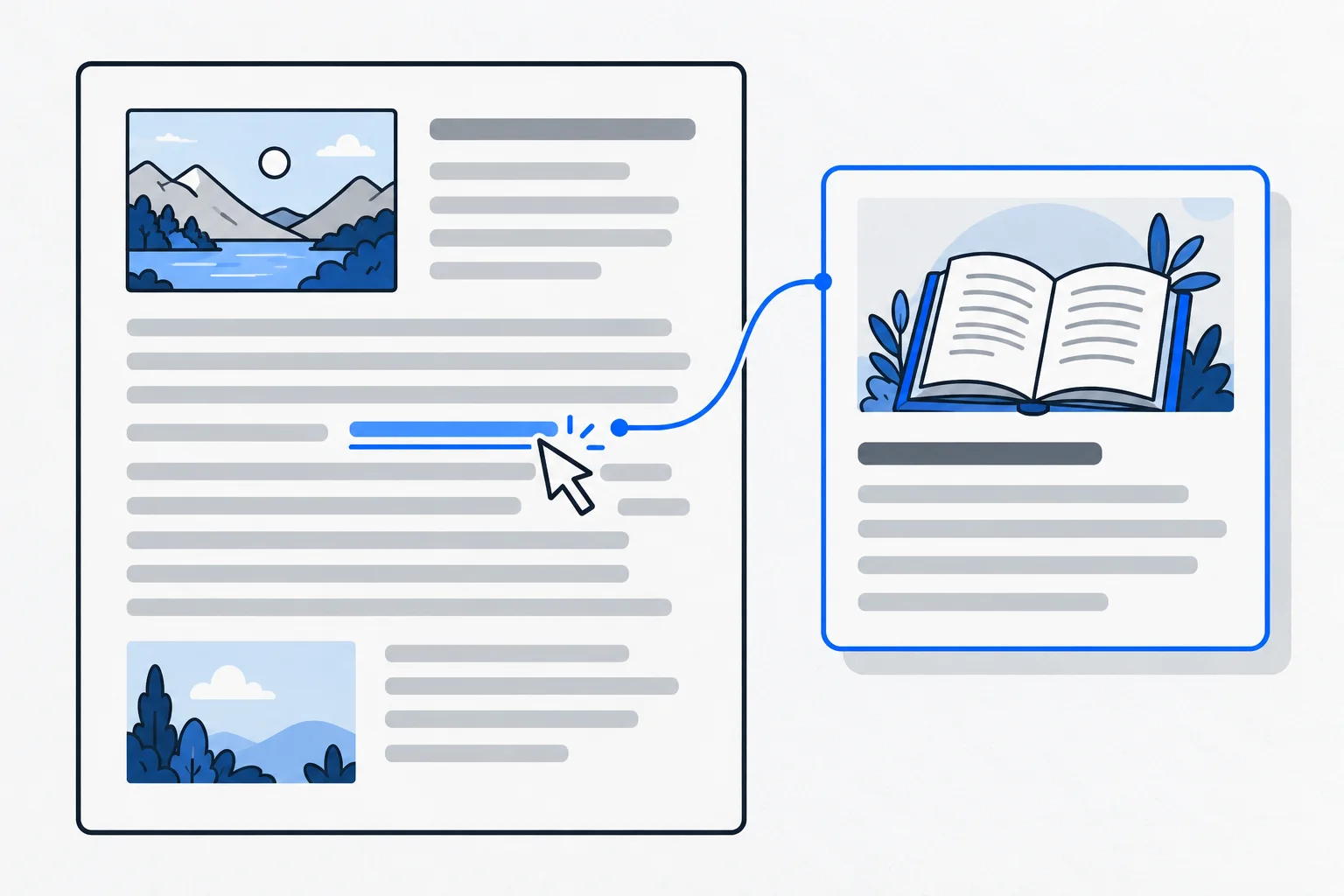
Which part of a link is its anchor text?
A link has a destination address and a visible label. The address tells the browser where to go; the anchor text helps a person decide whether to go there. Their meanings should agree.
An internal link points within the same website, while an external link points elsewhere. Both benefit from concise, descriptive wording related to the destination.
What makes the wording clear?
Ideally, a link makes sense both within its sentence and when considered on its own. “Details” can work in context, but several adjacent links with that label are difficult to distinguish. “Delivery charges” or “Choosing the right size” communicates a more specific expectation.
You do not have to repeat a destination’s full article title word for word. A natural sentence and accurate meaning matter more. If the reader expects a guide but reaches a sales form, the label may be misleading even though the link works technically.
Search intent can help identify the appropriate next step: an explanation, a comparison or a relevant service.
Should the anchor contain a keyword?
A keyword can appear naturally when it names the destination’s topic. That does not mean using the same long phrase on every page or turning an awkward half-sentence into a link for ranking purposes.
“Air-conditioning cleaning prices” is clearer than “best cheap fast Budapest air-conditioning cleaning price” when the destination is a price list. Repetition does not guarantee a position and can make the text harder to read.
At the website architecture level, consistent names help navigation. Calling the same section something entirely different in every menu can confuse readers. Navigation links also help search engines understand the relationships between pages.
An example: a dog-training article
Imagine a dog school publishing advice for a first group lesson. In a paragraph about equipment, “Choosing a suitable leash” links to a detailed guide. At the end, “Beginner group dates” links to the actual schedule.
The first link offers additional knowledge; the second helps someone participate. Giving both the label “More information” hides that difference.
If the leash guide is removed, the descriptive wording cannot repair the broken link. The destination needs to be corrected, replaced or reconsidered.
What if the link is an image?
When an image is the only content of a link, its alt text can communicate the link’s purpose or destination. Listing every visual detail may be less useful than explaining what the link does.
W3C distinguishes informative, decorative and functional images. An icon that starts printing needs a different text alternative from a photograph showing a product’s appearance.
Review your links by reading their clickable labels and then opening their destinations. Do they deliver what they promise? Link the useful connections, rather than every technical word: too many links can interrupt reading and obscure the important next step.