What is a broken link?
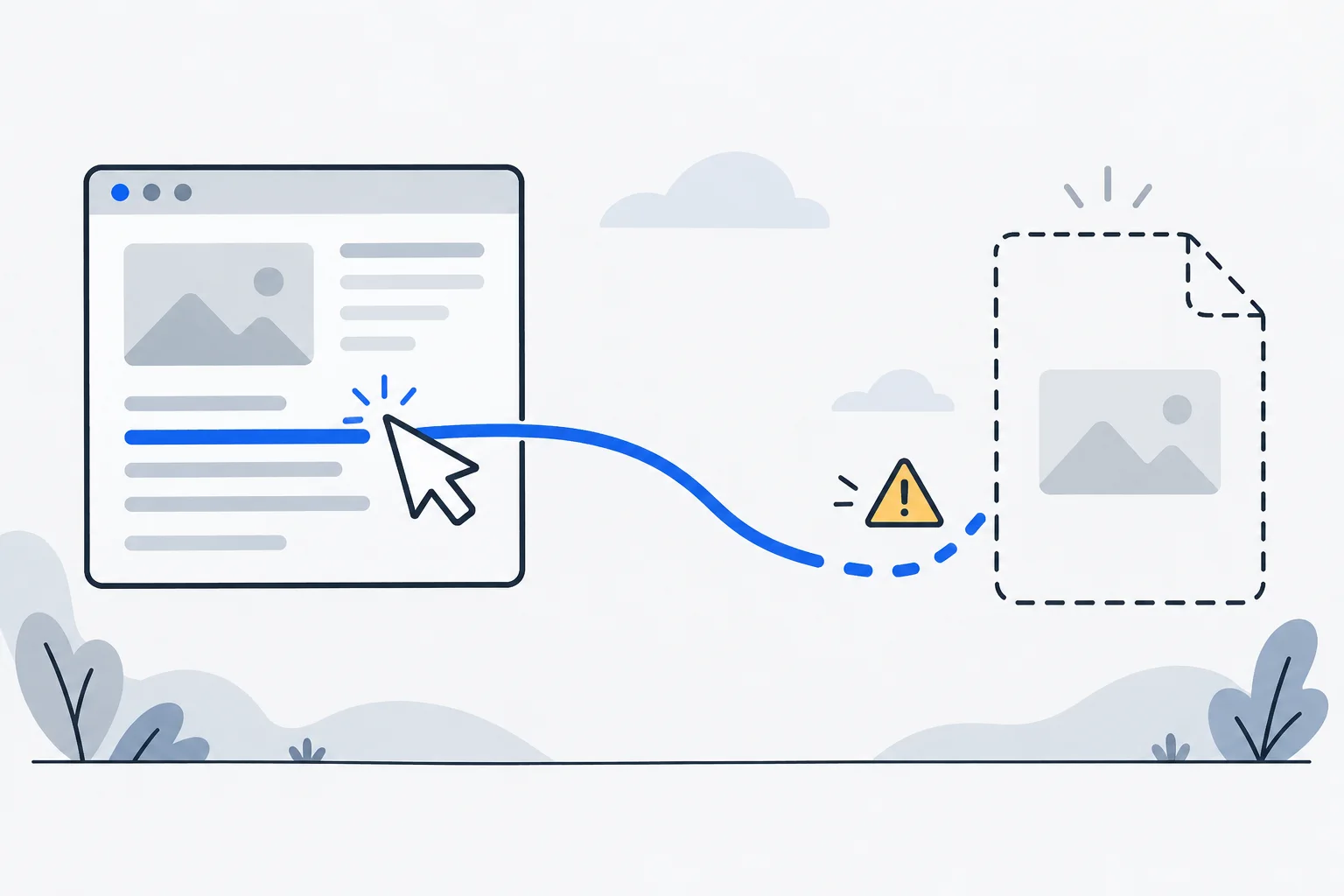
A broken link fails to take a user to the intended available content, for example because its address is wrong, its destination was removed, or a redirect or server problem prevents access.
Also known as: broken link · dead link
At a glance
- A 404 response is a common cause, but not the only kind of broken destination.
- A correct 404 can be appropriate for removed content with no replacement.
- Fixing links restores a useful path; it does not guarantee better rankings.
On this page
When is a link broken?
A link’s wording creates an expectation. “Delivery prices” should lead to the delivery information, not an error page, a redirect loop or an unrelated offer.
A missing page is the obvious case, but a link can also fail because of a temporary server problem, an incorrect address or a section identifier that no longer exists. The page may even load successfully while showing the wrong content.
Which failures should you distinguish?
| What happens | A possible explanation |
|---|---|
| The destination is not found | A typo or a removed page. |
| The browser reports too many redirects | A redirect loop. |
| The page occasionally fails to load | A server or network problem. |
| The page opens but the intended section does not | An outdated fragment identifier. |
| The page opens with unrelated information | The link points to the wrong destination. |
HTTP status codes help diagnose the problem, but one failed request does not establish that a page is permanently unavailable. Client errors and server errors also have different implications for crawling.
Should every missing page redirect somewhere?
No. A 404 can be the correct response when content has been removed and no suitable replacement exists. The avoidable problem is continuing to recommend that missing page through menus, buttons or articles.
If there is a genuine successor, a suitable redirect can preserve old paths. Sending every removed page to the home page does not provide an equivalent answer. A canonical URL is also not a replacement for a redirect: it does not navigate a visitor to another page.
For an internal link, you can usually correct the source yourself. For an external link, look for the source’s current address, choose an appropriate replacement or remove a reference that no longer helps.
An example: an outdated price page
Imagine a bicycle shop replacing a dated repair-price page with a permanent service-pricing page. The home-page button is updated, but six older articles still use the old address.
First confirm that the new page really replaces the old information. Then update those internal links to the direct destination and, where appropriate, redirect the old URL. A printed QR code pointing to the old URL can then continue to reach useful information.
If the old page described a discontinued service, an unrelated replacement would be misleading. Explain the actual situation instead of redirecting indiscriminately.
How do you verify the repair?
Click the original link from the page where a customer encounters it. Typing the new URL directly tests only the destination, not the path you intended to fix. Check the resulting address, response and content.
Prioritize contact routes, service details, booking and other important actions. When moving content, also inspect articles, menus, downloads and reusable email links. A repaired link removes a real obstacle, but a ranking increase or additional sale requires separate evidence.