Website architecture: organizing pages and useful paths
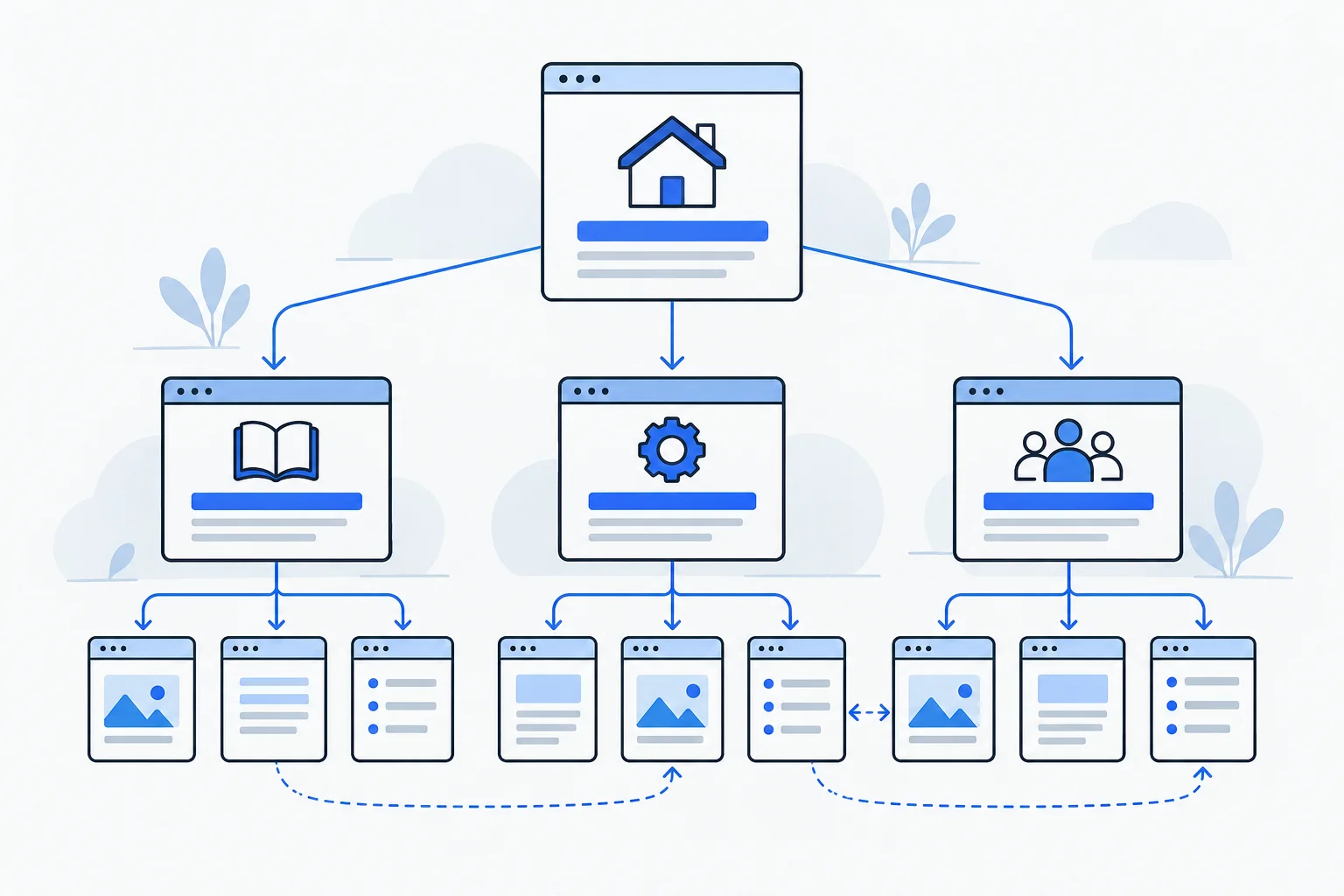
Website architecture describes how pages are organized and connected. Categories, menus, overview pages and internal links help visitors and search engines navigate the collection. It concerns more than the folder structure visible in URLs.
Also known as: Site architecture · Information architecture
At a glance
- Page relationships shape architecture alongside URLs.
- Important public content needs an understandable, followable route.
- Organize around reader questions rather than an arbitrary click quota.
On this page
Every website has a structure
A twenty-page service website has a homepage, offers, an introduction and contact routes even if nobody has drawn a diagram. Adding fifty guides can overwhelm navigation that previously worked. Architecture determines where each piece belongs and how people reach it.
An internal link is one connection. Architecture is the system of those connections. Individual links can work while the overall website remains confusing.
Why search engines use these relationships
Google uses links to discover pages and understand their relationship. Its ecommerce guidance describes paths from categories through subcategories to products. Ecommerce navigation
The same organizing principle can inform a reference library: an overview leads to detail, and detail links back to context. This is an editorial application, not a mandatory Google template.
For crawling, an actual followable link matters. Content available only after typing an exact query into the site search differs from a page linked directly in a public topic list. Link guidance
Navigation is not the same as URL folders
Menus show possible routes; URLs identify destinations. The two can align without expressing every relationship as a directory name.
Both /guides/watering and /watering can belong to a gardening library. An accessible garden-care overview and useful contextual links provide the relationship. A longer path alone does not prove better architecture. URL guidance
Keep the main menu understandable. Topic pages and contextual links can expose detail without placing every page in the top navigation.
Example: a garden centre’s library
Imagine thirty articles presented only in chronological order. A useful guide to watering a newly planted hedge gradually disappears down the list, even though customers still ask the question.
A “Hedge care” overview connects planting, watering and pruning guides. The watering article links to mulch where relevant, while product pages lead to planting instructions. Each connection supports an actual reader task.
The improvement comes from making existing knowledge easier to access, not simply adding more content. Search intent helps distinguish shopping from care questions.
Test real routes
Choose an important visitor task and start from the homepage. Are labels informative, routes understandable and next actions available? Click count is an observation, not a universal magic number.
Compare published pages with linked pages to identify orphan pages. An XML sitemap helps inventory addresses but does not replace human navigation.
Clarify before reorganizing everything
A new article often fits an existing topic page and related guides without a new menu item or URL migration. Overlapping answers may need clearer roles rather than another category.
Good architecture supports SEO and may help search engines understand potential sitelinks, without guaranteeing them. A glossary illustrates the principle: an index provides orientation and definitions connect related questions.