Redirect chain: unnecessary hops and redirect loops
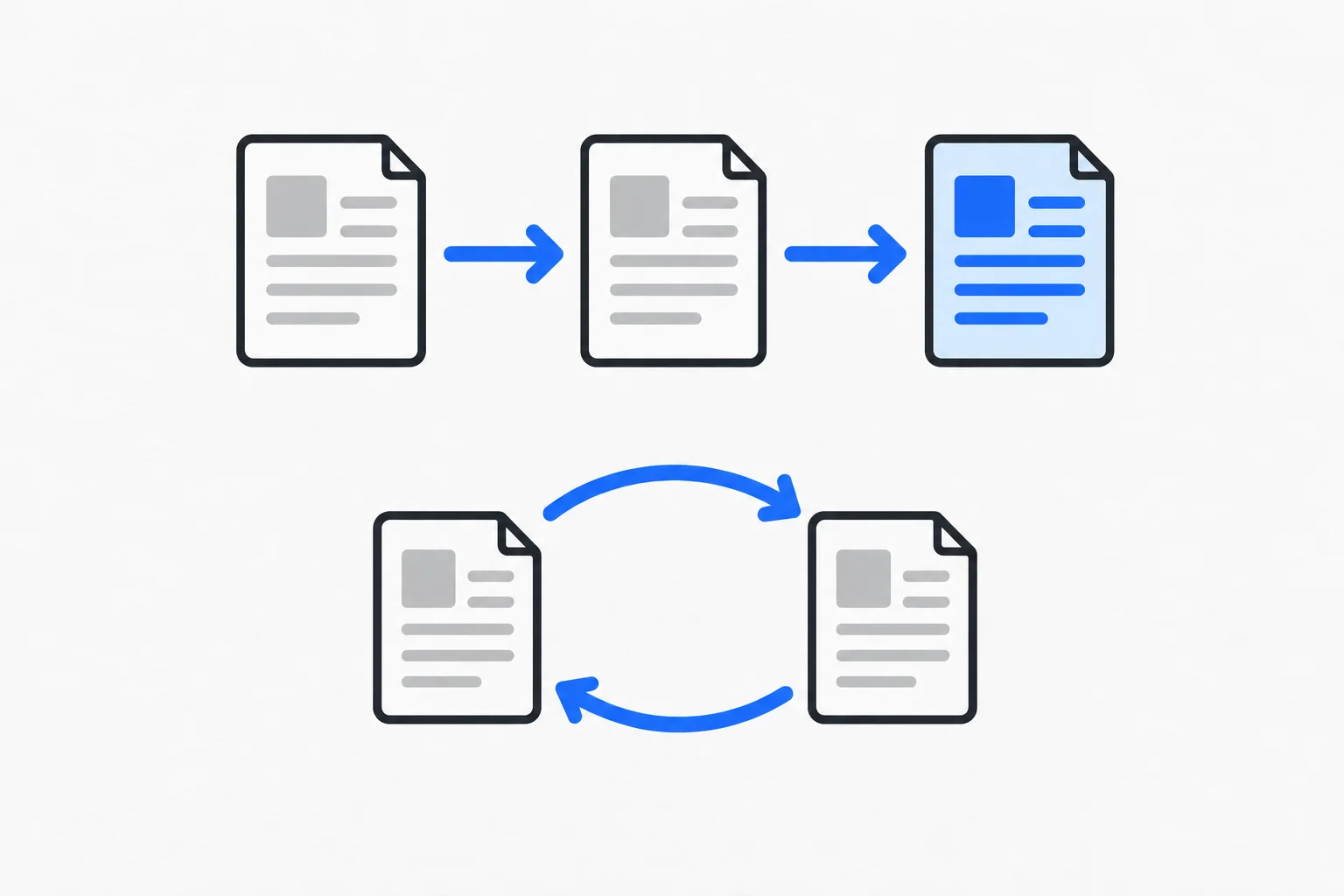
A redirect chain occurs when a URL points to another redirect instead of directly to the final page. A redirect loop occurs when destinations lead back to an earlier step, preventing the request from reaching a final content response.
Also known as: redirect chain · redirect loop
At a glance
- A chain can have a working endpoint; a loop circles back and can end in an error.
- Internal links should normally point directly to the appropriate final URL.
- Check both the complete request path and the final content after a repair.
On this page
How does a chain develop?
An article receives one URL, later moves to a new folder and eventually moves to another domain. If each change handles only the immediately previous address, an old bookmark may pass through several responses before reaching the content.
A chain does not necessarily fail. Its endpoint may work correctly. It still creates unnecessary detours, particularly when the site's own navigation continues linking to the oldest address. Visitors need the current explanation, not the history of every move.
When does a chain become a loop?
A loop occurs when URL A redirects to B and B redirects back to A or an earlier step. Conflicting domain or language rules can cause this. A browser eventually stops and may report too many redirects.
A permanent 301 or 308 redirect is not inherently a loop, nor is a temporary 302 or 307 redirect. The problem lies in the relationship between destinations. Changing status codes alone will not fix URLs that still point back to each other.
Why do latency and destination matter?
Each server redirect can add another network step before the actual page arrives. Consider the navigation path when investigating TTFB. Google's redirect guidance explains the signals redirects provide about the destination.
A technically successful endpoint can still be inappropriate. Redirecting an old product explanation to the homepage may return a valid response while failing to answer the original question. Check content relevance alongside status codes.
Example: three addresses for one guide
Imagine a workshop whose oil-change guide moved from /blog/oil-change to /advice/oil-change and finally /guides/when-to-change-oil. The oldest URL points to the middle one, which points to the current guide.
Both old addresses can instead point directly to the current guide. Update the workshop's own links to the final address while retaining useful redirects for outside links and bookmarks.
Afterward, check that the current URL serves content and does not redirect back to an earlier version. This fictional example simplifies one route; it does not suggest removing all redirects.
How can you inspect the full path?
A tool showing only the final page can hide intermediate responses. Inspect each HTTP response, its status and the destination in its Location header. Browser network tools or an HTTP inspection tool can expose these steps.
Test the variants people actually use: HTTP and HTTPS, www and non-www, trailing slashes and relevant language paths. Rules should consistently reach the intended destination. One successful manual test does not prove every variant works.
What makes the fix maintainable?
Keep internal links current and old-address rules simple and documented. When repairing a broken link, verify that the reader reaches appropriate content, not merely that an error disappears.
During the next move, review the whole URL map instead of extending an old chain indefinitely. The objective is straightforward access and a clear content relationship, not an arbitrary redirect-count target.