Heading hierarchy: structure an article with H1, H2 and H3
Heading hierarchy organizes a page’s sections using semantic HTML headings such as H1, H2 and H3. Levels communicate relationships between topics rather than simply font size. They support reading, navigation and assistive technology.
Also known as: heading hierarchy · H1 · H2 · H3 · heading structure
At a glance
- Heading levels describe structure, not the desired visual size.
- The visible main heading and the document title tag are different elements.
- Reading the headings alone should reveal the article’s line of explanation.
On this page
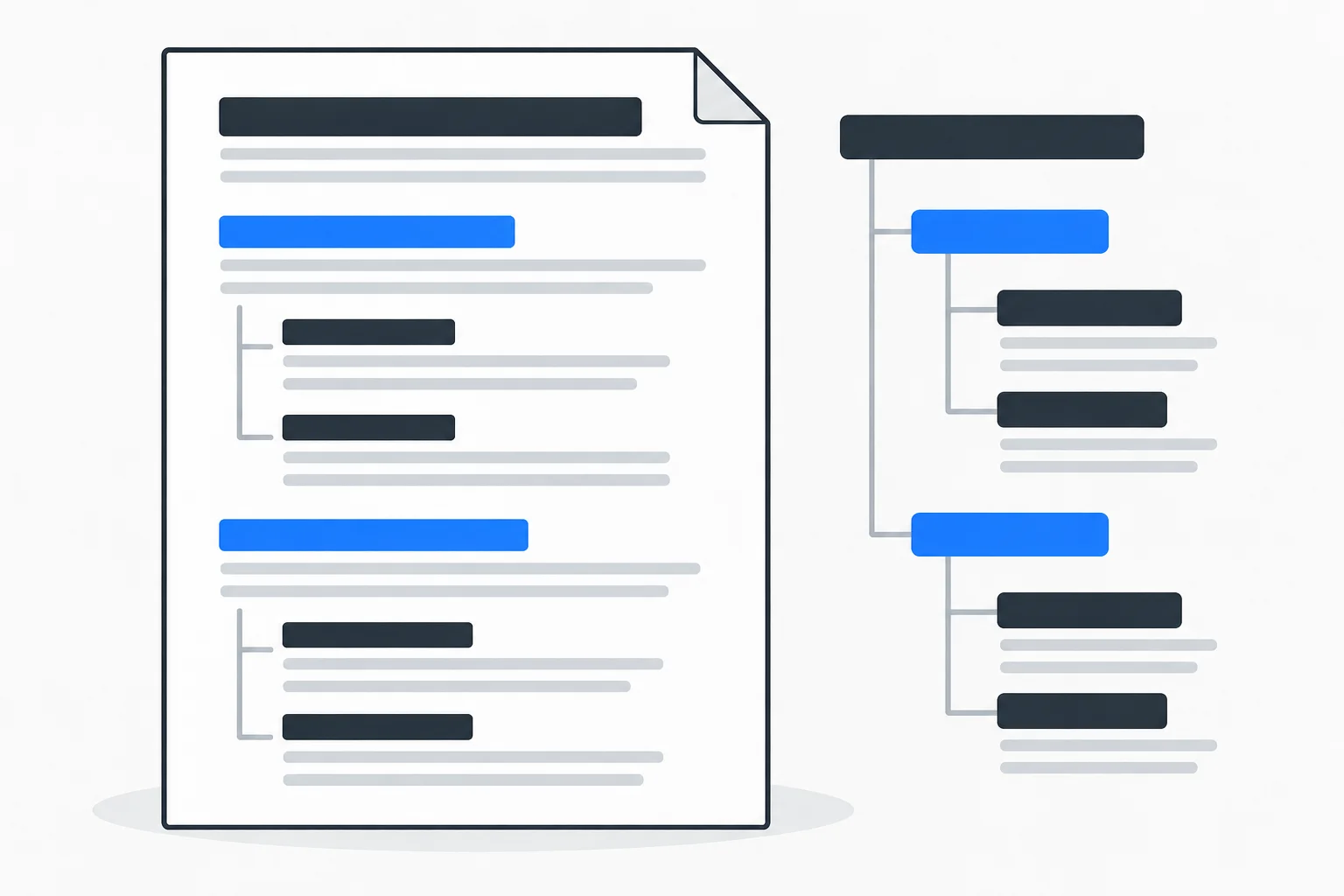
What does the heading order show?
A long page has a main subject, major sections and sometimes smaller subsections. Semantic headings expose that structure to people and technology.
W3C WAI guidance treats logical nesting as part of accessible page structure. A screen-reader user can move between headings to locate an important section. The same hierarchy also makes a table of contents clearer.
How do H1, H2 and H3 relate?
A standalone guide can use H1 for its main topic, H2 for major sections and H3 for subsections within those sections. A new major section returns to H2. Every paragraph does not need its own heading.
Do not choose H4 merely because the template renders it smaller. Styles can control appearance while semantic levels preserve meaning. A bold paragraph can look like a heading without becoming one in the document structure.
How does H1 differ from the title tag?
The title tag belongs in the document head. H1 is the main heading visible within the page. They can be similar while serving different roles, and an editor may expose separate fields for them.
Both should describe the content accurately as part of on-page SEO. A main heading does not improve merely by containing every related keyword. A clear statement of the page's actual question is more useful than a loose list of phrases.
Example: choosing a kitchen worktop
Imagine a cabinetmaker's guide titled “Which kitchen worktop suits how you use your kitchen?” Its two main sections are “Comparing materials” and “Measuring before ordering.” The comparison contains subsections for laminate, wood and stone.
The materials are H3 subsections within the H2 comparison. Measurement is another H2 because it addresses a different major question. A contact invitation at the end does not need to become another H1 to signal commercial importance.
The fictional structure follows the explanation rather than the business value assigned to each block.
What makes a useful section heading?
“More information” reveals little. “When can heat damage the surface?” identifies a question. A heading should preview the actual answer without promising more than the section provides.
The content brief and outline help decide which questions belong together. Repeated sections may need merging, while a heading followed only by generic introduction may expose a missing substantive answer.
What should be checked on the finished page?
Read only the headings and inspect whether their sequence makes sense. Related ideas should share a logical branch. Website architecture concerns relationships between pages; heading hierarchy concerns organization within one page.
Inspect actual HTML as well as the editor's appearance. A template can output unexpected levels. No heading pattern guarantees rankings; its immediate benefit is helping readers find and understand the information.