Search results and measurement
Analytics event: meaning and practical example
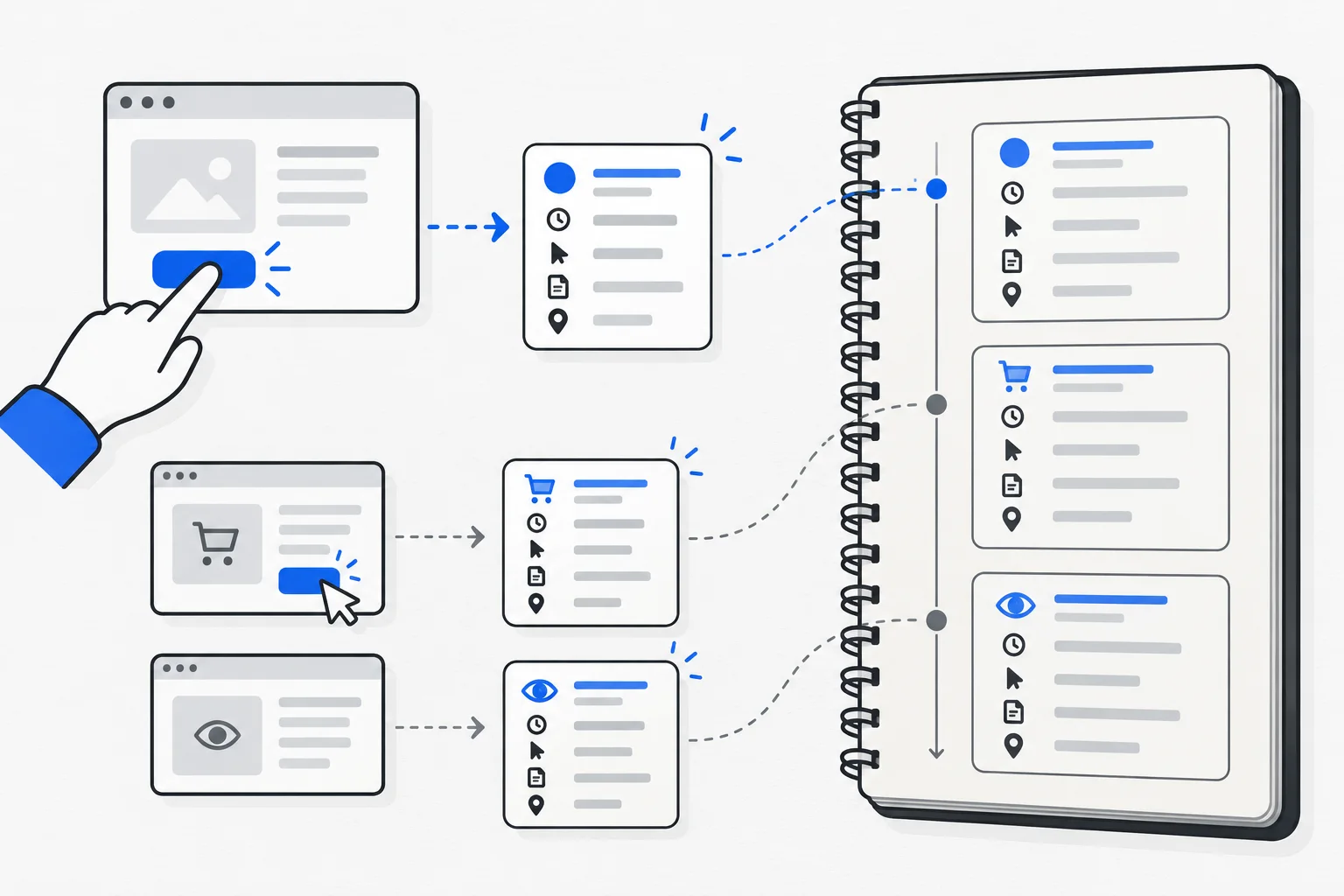
An analytics event records an occurrence or user action, such as a pageview, button click or successful order. Its name identifies what happened and parameters can supply details. Sending an event does not by itself prove the underlying business process completed successfully.
Also known as: event tracking · GA4 event
At a glance
- Each event needs a clear, verifiable meaning.
- Treat clicks, successful processing and payment as distinct events.
- Verify both the analytics signal and the actual business outcome.
On this page
What does an event contain?
An event has a name and associated data. The name might describe viewing a product or successfully receiving a quote request. Parameters can identify the product or form when required by the measurement plan.
Google Analytics uses both automatically collected and separately configured events. A pageview is one event type; not every event is a pageview. Precise naming helps report readers understand the same thing as implementers.
Where should the event boundary lie?
Intent, interface activity and successful business processing happen at different moments. After clicking Submit, a visitor may encounter invalid fields, a disconnected network or successful storage. Labeling all these as successful inquiries overstates results.
| Occurrence | More precise meaning |
|---|---|
| Button click | The visitor attempted to proceed |
| Valid form accepted | The application found the data processable |
| Successful storage | The request actually entered the system |
| Later contract | The inquiry became an order |
When selecting a conversion, choose the point representing the actual outcome you want to track.
Example: a course inquiry form
Imagine someone opening a course page, clicking an inquiry button and submitting a form. These can produce three events, but only a successfully stored inquiry represents the received-request goal.
Clicking a slow button twice does not necessarily create two prospective customers. Application behavior and measurement should handle repetition together. The fictional example ties event meaning to an actual state rather than guessing from a button label.
Record trigger conditions, required parameters and duplicate handling alongside the event name. This forms a shared agreement between developers and report users.
What makes data comparable?
Keep names and conditions consistent across pages and time. If one form fires an event on click and another after storage, their combined total mixes meanings. A polished chart cannot resolve that difference.
Sessions and campaign information add context. UTM parameters label arrival sources; they do not replace precise descriptions of internal actions. Use both layers with a clear question for each.
How do you verify implementation?
Google's event setup guidance recommends real-time and debugging views. Test successful, invalid, interrupted and repeated actions. Confirm the expected event and parameters.
Compare the signal with actual application results. Analytics success without a stored request does not prove completion. A stored request without an event may indicate incomplete collection. Either discrepancy needs investigation.
How can an event affect other metrics?
Events feed additional metrics and groups. Designating a key event can affect engagement rate. Renaming an event or changing its trigger can therefore affect more than one report.
Document what changed and when. Before building another metric, verify the meaning of its underlying events. Precise measurement units are more useful than elaborate reports built on ambiguous signals.