Product variant: connecting sizes, colours and availability
A product variant is a distinguishable version of a shared base product, such as a different size, colour or material. It can have its own identifier, price, stock and URL. Search-facing information should consistently describe both the variants’ relationship and the actual availability of the selected version.
Also known as: Product variation · ProductGroup
At a glance
- Versions of one product family differ from unrelated products.
- The selected variant’s price, stock, image and direct URL should agree.
- ProductGroup describes relationships; it does not choose the correct URL strategy for you.
On this page
Variant or separate product?
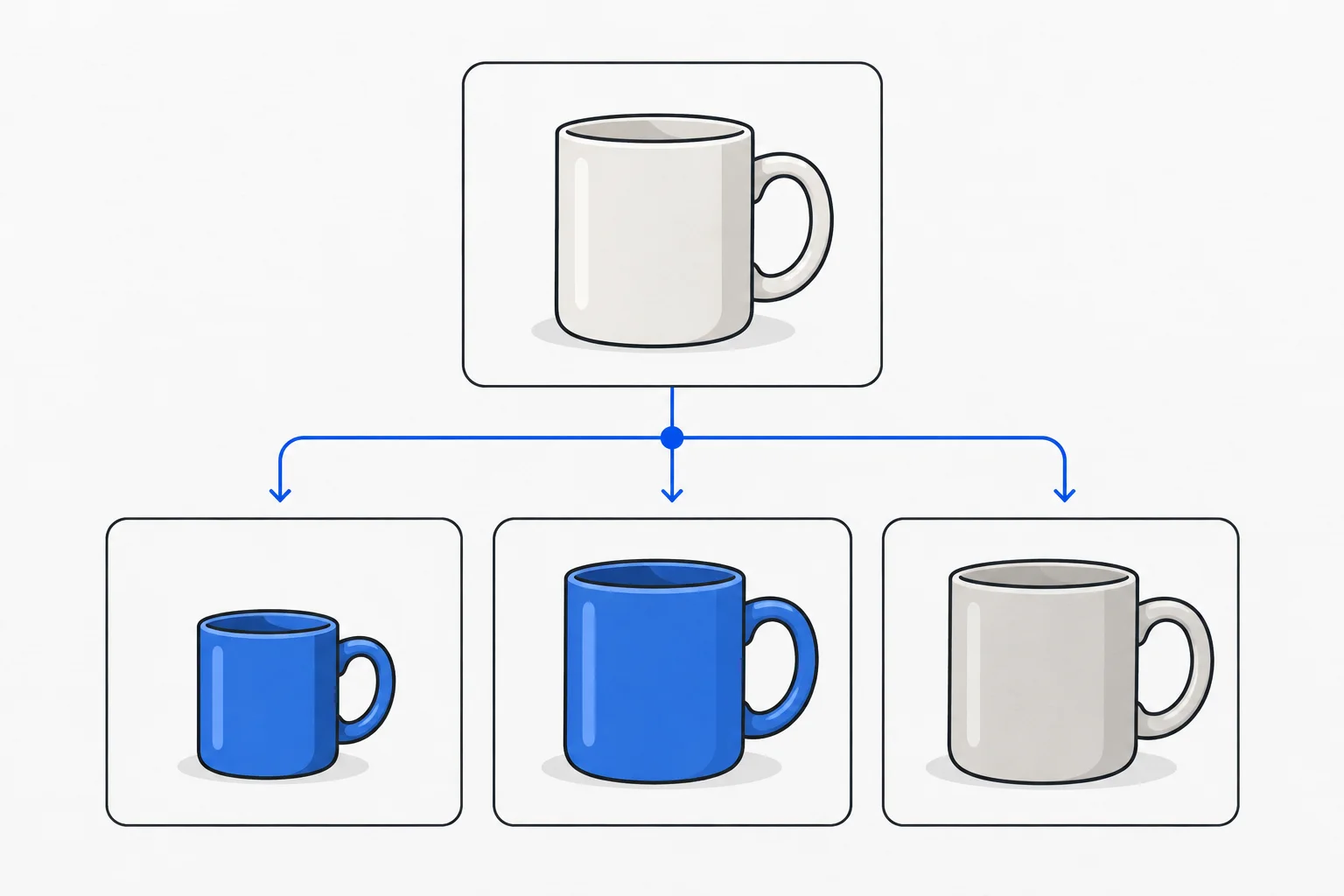
The same T-shirt in three sizes and two colours can form a product family. A T-shirt and winter coat are not variants merely because one brand sells both. Use the actual common base and changing attributes to define the relationship.
Customers expect a selector to reveal another version of the same product. If its purpose or essential technical capability changes entirely, a separate product page may be more appropriate. Clear organization supports discovery. SEO starter guide
Information specific to a variant
A variant can have its own SKU, price, availability and image. The displayed claims should describe the selected version. Do not pair a blue chair’s photograph with a red chair’s stock or another pack’s price.
Search intent can be specific: someone may want black shoes in size 42. The destination should make that option’s actual availability clear. Accurate images are part of the same consistency. Image guidance
What ProductGroup describes
Google’s documentation uses ProductGroup and Product to describe a shared family and its variants. Their common and differing properties become machine-readable. This structured data supplements the visible offering. Variant markup
Markup must not claim more than the page offers. Updating actual stock and visible information matters more than obtaining a green validation result while the data remains wrong.
Example: two colours, three sizes
Imagine a workwear store selling one jacket in navy and grey, each in three sizes. Six versions exist, but only five are available. Selecting the large grey jacket should show its image and unavailable state, not another version’s purchase option.
Opening a shared link to that selection should restore the same variant. The URL, visible information and item added to the basket should all refer to one choice.
Does every version need an indexed page?
There is no single arrangement for every catalogue. Google documents both a single page with selectable variants and separate variant pages. Canonical URLs should follow the actual implementation and content differences rather than an automatic rule applied to every variant.
For Google’s single-page ProductGroup approach, the group has one distinct canonical URL. The multi-page approach has no single canonical representing the entire group. Consult the relevant documented model when implementing it. Variant markup
Duplicate content and faceted navigation are related considerations, but opening a specific variant differs from publishing every possible filter combination.
Test the buyer’s path
Open direct variant URLs, change size and colour, then refresh. Does the selection persist? Do image, price, stock and machine-readable data agree? Test an unavailable variant too.
A coherent product-family model reduces confusion, but cannot replace correct price and stock management.