What is INP (Interaction to Next Paint)?
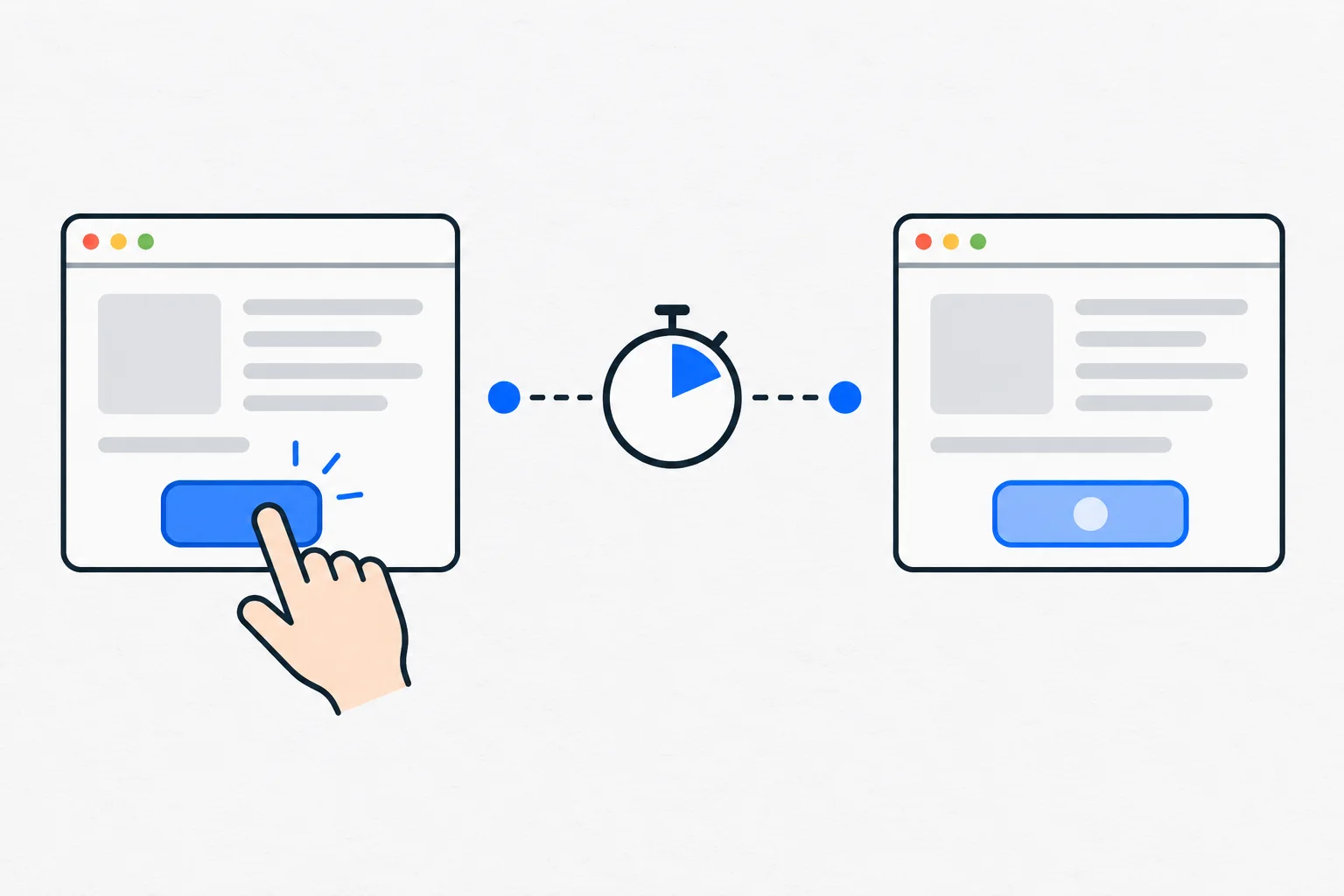
INP, or Interaction to Next Paint, measures how quickly a page visibly responds to clicks, taps and keyboard interactions during a visit, characterizing its slower interactions rather than only the first one.
Also known as: Interaction to Next Paint · interaction responsiveness
At a glance
- INP measures visible response after interaction, not initial page loading.
- An INP of 200 milliseconds or less is in the good range.
- Prompt feedback does not mean that a longer background operation has finished.
On this page
What does poor responsiveness feel like?
A visitor taps a menu and nothing appears to happen. They tap again, then the page suddenly reacts twice. This differs from a slow first load: the content is already visible, but the interface does not respond smoothly.
INP observes clicks, taps and keyboard interactions throughout a visit. Its final value characterizes slower responses, with rules for handling outliers. It is not simply a stopwatch for the first click.
Which part of the interaction does it measure?
The delay can include waiting for the browser to begin handling the event, running the event handlers and preparing the next visible frame. INP focuses on when the interface can provide visual feedback.
It does not necessarily measure completion of every consequence. A large search or payment operation can continue while the page promptly indicates that work has begun. That feedback must be honest about the operation’s state.
JavaScript SEO includes whether content can be processed by search engines; INP concerns how the working interface responds to a person. A page can be crawlable and still frustrating to use.
What is a good value?
The recommended good range is 200 milliseconds or less. Core Web Vitals assessment uses the 75th percentile of real visits, considered separately for mobile and desktop, rather than the best single test.
A visit without a measurable interaction may have no INP value. Missing data is not zero delay. A laboratory run that only loads the page may also never exercise the slow menu, filter or form.
Test real tasks: open navigation, apply a filter, type into search or submit an appropriate form. The important interactions depend on the website.
An example: filtering a class schedule
Imagine a yoga studio displaying thirty classes. A visitor selects the beginner filter, but a long calculation blocks the browser and even the button fails to change state.
A developer inspects the tasks running during that interaction. Reducing unnecessary computation and showing an immediate, accurate state can improve usability. If more data is still loading, the interface can explain that.
The goal is not to add an animation to every click. The user’s actual action needs timely visible acknowledgement, followed by a correct result.
How does INP differ from LCP and CLS?
LCP describes loading of the main visible content. INP describes interaction responsiveness. CLS concerns unexpected layout movement. Improving one does not establish that the others are satisfactory.
Measure the specific cause of a delay. JavaScript is not inherently an error; its workload and timing matter. Compare the same action under similar conditions after a change, then observe real-user data as available. Faster responses remove a usability obstacle, but they do not independently prove better rankings or more inquiries.