Search results and measurement
Channel group: classify website traffic by acquisition type
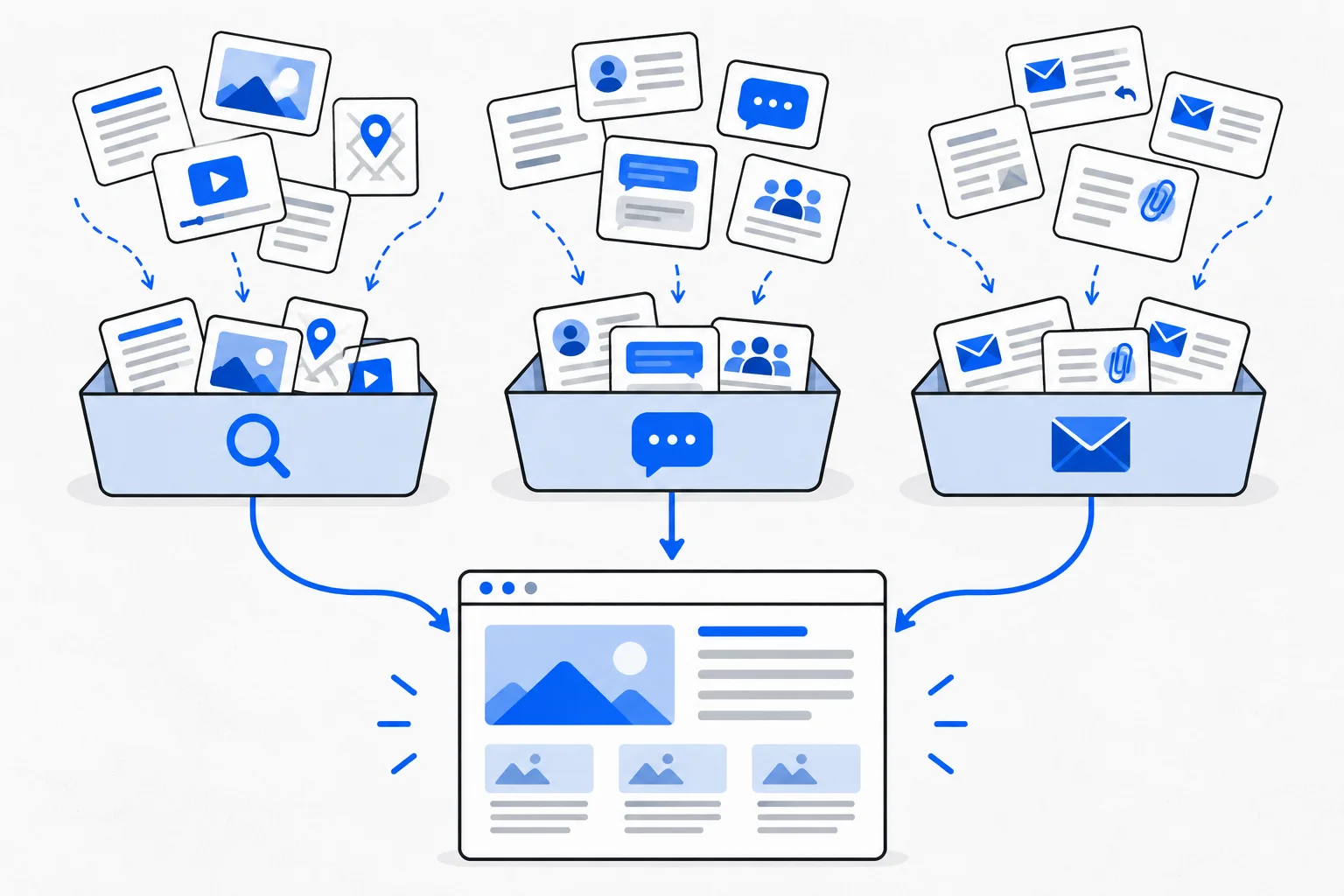
A channel group classifies similar sources of visits or other measured touchpoints through rules, such as organic search, paid search, email or social media. One channel can contain several specific sources. Interpretation depends on the analytics system’s classification rules and the selected dimension’s scope.
Also known as: channel group · channel grouping · marketing channel
At a glance
- A channel is a group; a source identifies a more specific origin.
- Classification rules and dimension scope are necessary to interpret the figures.
- AI-related visits are not all assigned to the same category.
On this page
Why group traffic?
A site can receive visits from many search engines, partner sites and campaigns. Channels summarize that detail. Organic Search, for example, can combine qualifying visits from several search engines.
A traffic source is more specific. Start with a channel overview, then investigate meaningful differences. An aggregate can otherwise hide one effective source beside another that serves the wrong audience.
How does classification work?
Analytics applies rules involving source, medium or campaign information. GA4's default channel group uses documented categories, while a custom group can define a different analytical arrangement.
Inconsistent UTM parameters can cause unexpected classifications. An unassigned item may reflect missing or nonstandard tagging rather than a new marketing phenomenon. Inspect the source/medium pair before interpreting it.
Which views answer which questions?
| View | Typical purpose |
|---|---|
| Channel | Compare broad acquisition types |
| Source and medium | Distinguish specific origins and delivery methods |
| Campaign | Examine a tagged initiative |
| Landing page | Identify the first content viewed in the session |
Common categories include organic and paid search, email, referrals and social traffic. Names and conditions vary by system. Preserve the exact dimension name or document a custom classification in business reports.
An organic result and an advertisement from the same search engine can belong to different channels. The engine's name alone does not determine classification.
Where does AI traffic belong?
GA4's documented AI Assistant channel covers recognized assistant sources. Google's AI Overviews and AI Mode traffic instead belongs to Organic Search under the same documentation.
Calling every AI search visit Referral is therefore misleading. One assistant-channel figure is also not a complete measure of AI presence: traffic reports do not observe every external mention or citation.
Check the current rules for the analytics system actually being used.
Example: two newsletters, one channel
Imagine a consultant sharing an article through their own newsletter and a partner's professional email. If both use appropriate email tagging, they can fall into Email while retaining different sources.
The combined row describes email activity; source breakdowns distinguish the publishers. If partner readers have different needs, the aggregate can hide that difference. Inspect actual inquiries rather than assuming identical quality. This is a fictional scenario, not campaign performance evidence.
How should a business use the groups?
First decide whether the report concerns first-user acquisition, sessions or event-attributed results. Compare traffic, outcomes and cost within the same period. Attribution changes can redistribute credited results.
A channel overview is a starting point. The actionable finding may be an incomplete article, incorrect campaign tagging or a broken form. Those require different remedies that cannot be inferred from the category name alone.