Video SEO: helping search engines discover a website’s videos
Video SEO supports the discovery and interpretation of videos in search. Alongside technical access, it concerns the watch page’s role, title, description, thumbnail and relevant metadata. Producing a video does not itself establish that the video will appear in search.
Also known as: Video optimization
At a glance
- A page being indexed does not prove its video is indexed.
- A watch page makes watching the video its primary purpose.
- Check access to the video and thumbnail together with metadata accuracy.
On this page
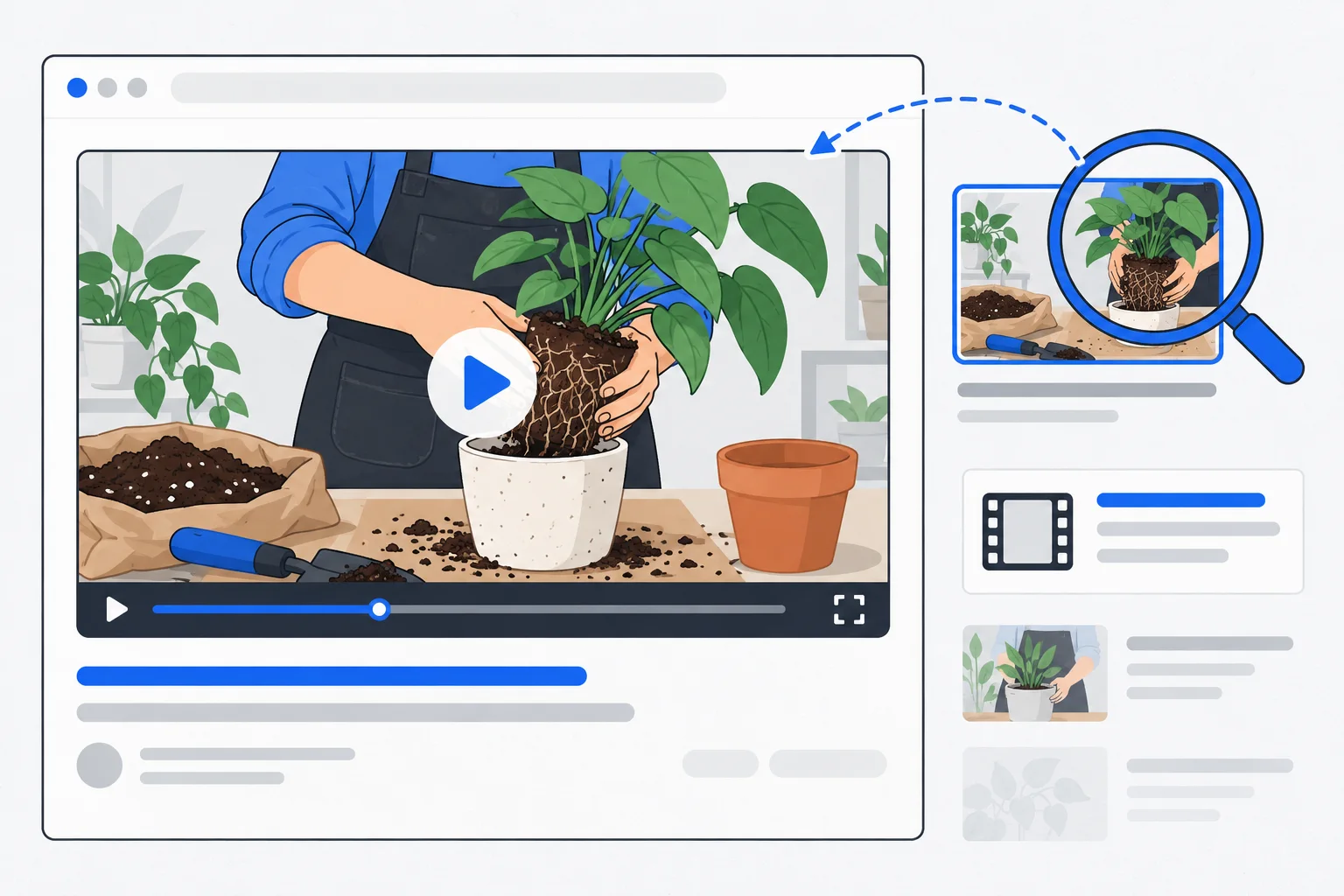
The search task
A repair process may be easier to understand on video than in writing. Video SEO helps search engines discover the material and understand its subject. It differs from filming, editing or building followers on a video platform.
Google’s guidance addresses media access and watch pages. A web page’s indexing does not prove separate video indexing. Evaluate those states independently. Video guidance Page indexing
What is a watch page?
Its primary purpose is watching a particular video. The player is prominent and usable, with a title and description explaining the content. A tiny video below a long product list has a different role.
Do not create a separate page for every embed solely because it might help SEO. Decide whether the video provides an independent viewing experience or supports another page’s task.
Technical details to inspect
The video and thumbnail need accessible, stable addresses and appropriate serving behavior. Avoid making discovery depend on a login or interaction the crawler cannot perform. Lazy loading requires careful implementation and verification.
Structured data and video sitemap information can support understanding, but must match the media. A thirty-minute demonstration should not be described as a two-minute troubleshooting guide.
Example: replacing a filter
Imagine a water-treatment service filming a filter replacement for one device model. Its page names the model, summarizes the task and explains the applicable conditions. It also states when professional help is required.
The thumbnail shows the actual device, not a similar model with different construction. Written steps help visitors who want to scan before watching. The title, video and instructions all address the same task. This is an illustrative scenario, not instructions for an unspecified appliance.
Connect text, images and media accurately
Surrounding text supplies context. A transcript or summary can help readers, but should not introduce unsupported claims. Thumbnails need the same accuracy and clarity considered in image SEO. Image guidance
An XML sitemap video extension helps discovery; it is not a substitute for the video. Update metadata and thumbnails when media changes or is removed.
Measure the relevant outcomes
Search Console can provide available video-processing and search-appearance information. Playback and website actions may be measured elsewhere.
A search click is not a completed viewing, and starting a video is not necessarily commercial interest. Choose events suited to the page’s purpose and keep technical eligibility separate from demonstrated audience or business results.