Pagination: keeping every part of a long list accessible
Pagination divides a long content list into separately accessible parts. Readers move through next, previous or numbered pages. For search, later parts need discoverable addresses and crawlable links.
Also known as: paged navigation
At a glance
- Later items should not exist only behind a button a crawler will not activate.
- Different list pages are not automatically copies of the first page.
- Pagination, filtering and sorting perform different jobs.
On this page
Why split a long list?
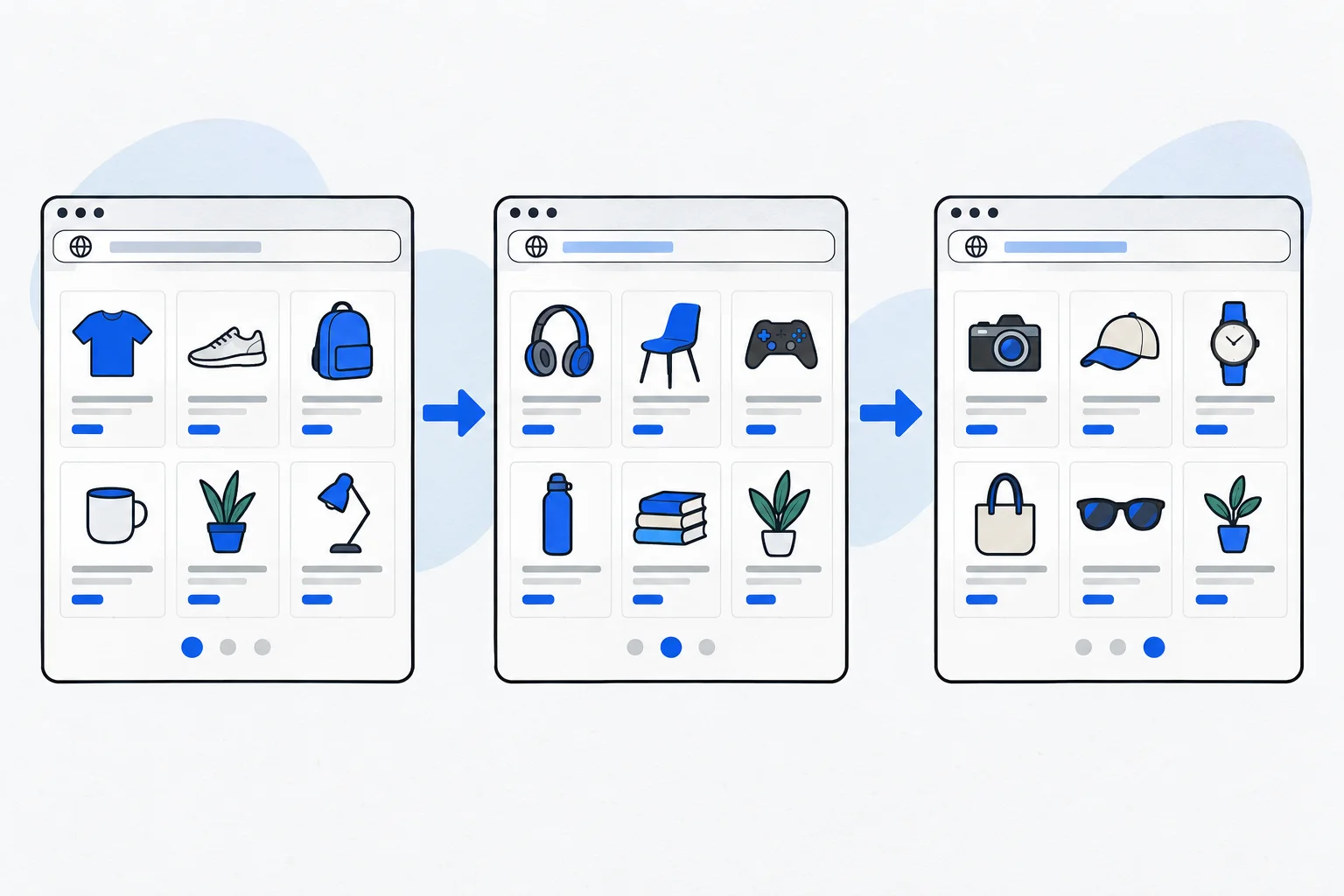
A hundred products or years of articles can be awkward on one page. Pagination displays a manageable amount and provides a route onward. Visitors can usually identify which part they are viewing.
The purpose extends beyond showing less data. The path to remaining content must work. A fast first page is less useful if older guides or later products become practically inaccessible.
How does it differ from “Load more”?
Traditional pagination can link to separate URLs. A load-more button or infinite scroll often expands the current screen. Any can offer a good experience, but their implementations differ.
Google discusses these patterns separately and explains that crawlers generally do not click buttons to reveal more content. 1 An interactive interface may therefore still need crawlable, separately addressable sections.
JavaScript SEO examines whether content behind an interactive interface becomes reliably processable. Convenience and discoverability can be designed together.
Infinite scroll can extend a list automatically, but it does not remove the need to make later items accessible. Someone who opens a product and returns should be able to resume their earlier position. The scrolling experience and separately addressable list sections can therefore be designed together rather than treated as mutually exclusive choices.
How should pages connect?
Next and previous links should point to real, working URLs. An internal link also forms a discovery path. Google's linking guidance describes suitable HTML links. 2
A URL such as ?page=2 can identify another list page. Opening it directly should return the correct items instead of always showing page one. A fragment-only list state existing solely in the browser can pose different processing risks.
For crawling, each important part needs a meaningful path. Do not assume a crawler can infer the remaining eighty items from the first twenty.
What about canonical URLs?
When the second page contains different products or articles, it is not simply a duplicate of the first. Google's pagination guidance recommends each page use its own canonical URL rather than canonicalizing the whole sequence to page one. 1
A canonical URL selects a preferred version among identical or very similar content. It is not a general mechanism for collapsing all important content behind an opening page. Google explains duplication separately. 3
Special cases require examining actual content equivalence rather than applying one template rule to every list.
Example: a consultant's archive
Imagine seventy published guides, displayed ten per archive page. Page two opens at its own URL, receives a crawlable link from page one and links onward to page three. Older guides remain discoverable after leaving the first ten.
Later, the developer adds a “More articles” button while retaining the separate list pages and ordinary links. Visitors browse more conveniently without discovery depending entirely on clicking that button.
The website architecture may still need topic pages. Chronological pagination does not replace navigation organized around subjects.
What should you test?
Open a later page directly, follow next and previous links and confirm that the items differ. Invalid page numbers should not indefinitely return the same misleading empty success response.
The purpose is not to create as many indexable URLs as possible. It is to keep necessary content reachable, make list state understandable and let crawlers access the same real offering visitors can use.