Crawl budget: capacity and demand for retrieving pages
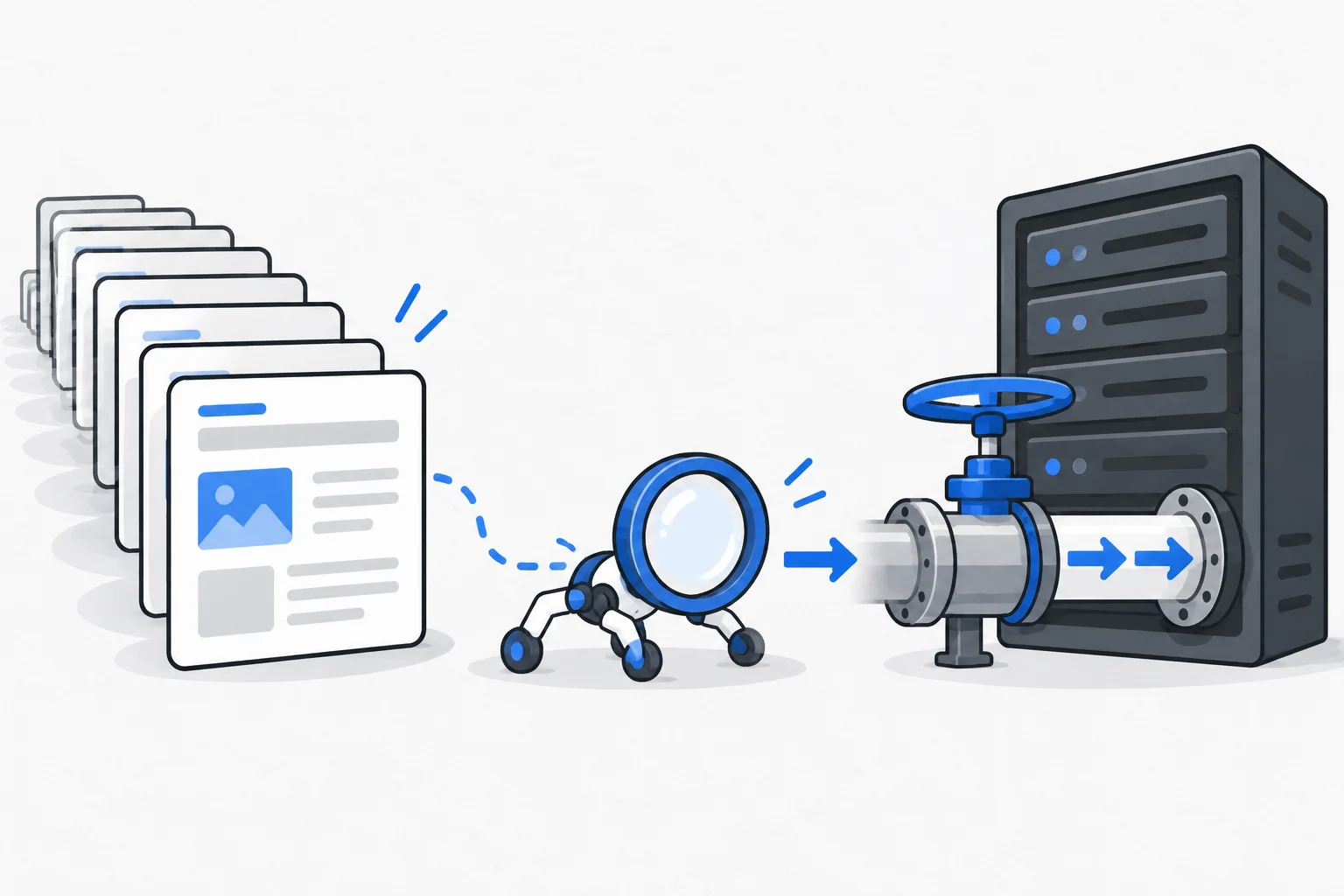
Crawl budget is the amount of resources Google can and wants to devote to crawling a website. It reflects both serving capacity and demand to retrieve the content. It is not a fixed indexing quota, and it is often not the main concern for a small website.
Also known as: crawl budget
At a glance
- Crawling volume depends on both capacity and demand.
- More bot requests do not automatically mean more indexed pages or visitors.
- The topic is particularly relevant to large, rapidly changing sites or sites generating excessive URL variants.
On this page
What does budget mean here?
Search engines cannot retrieve every web address continuously. They allocate time and resources to each site. Crawl budget describes that activity rather than a monthly package a publisher purchases.
Google's guidance distinguishes how much a crawler can request without overloading a server from how much it considers worthwhile. Crawling frequency is therefore not merely a number the owner sets.
How do capacity and demand differ?
Capacity relates to serving behavior. Slow responses or repeated errors can lead the crawler to reduce activity. Google's status-code documentation describes temporary slowdowns associated with server and overload responses.
Demand concerns which known or new content is worth revisiting. A rarely changed contact page and a large constantly changing catalog can have different patterns. A faster server does not create unlimited demand by itself.
When does this deserve attention?
Google presents crawl-budget management mainly as an advanced issue for large or rapidly changing sites. For a smaller company website with dozens or hundreds of organized pages, investigate access, content and consistent signals first.
A missing article can involve accidental noindex, errors, weak content or competing URL variants. Indexing is separate: a retrieved page may still remain outside the index.
Crawl budget becomes a stronger line of investigation when evidence shows many unnecessary requests alongside delayed discovery of important content.
Example: a large parts catalog
Imagine a shop with forty thousand products whose filters and sorting options produce millions of URLs. Many combinations show the same small set of items or empty lists. Logs show many crawler requests to those states.
Instead of blocking useful products, the shop examines faceted navigation, removes unnecessary variants and identifies which lists have independent search value. New products remain linked in current navigation and the sitemap.
First measure changes in unnecessary requests and discovery time. Those observations alone do not establish additional orders. The example is fictional.
Why should blocking rules be narrow?
Robots.txt can reduce permitted crawling but is not a general index-removal mechanism. A blocked URL may remain known through links, and the crawler cannot read a noindex directive on a page it cannot retrieve.
Overbroad rules can also block useful content or rendering resources. Define the intended URL family, rationale and test cases. Reducing requests is not useful if important pages become inaccessible.
Which evidence helps?
Use Search Console crawling and indexing reports alongside observations from the serving layer. Examine requests, errors, URL groups and discovery of new content.
Server log analysis can identify concrete repeated requests from verified bots. A finding that one parameter family consumed many requests and declined after a correction is more informative than a generic score. Page count alone does not establish a crawl-budget limitation.