Website migration: preserving URLs, content and search signals
A website migration is a coordinated change to a site’s domain, URL structure or serving environment. For search, the important conditions are continued access, appropriate content replacements and consistent signals pointing to the intended addresses.
Also known as: Site migration · Domain migration
At a glance
- Changing hosting and changing public URLs are different migration scenarios.
- Map old addresses to appropriate replacements rather than sending everything to the homepage.
- Verify redirects, internal links, canonical addresses and the sitemap together.
On this page
Identify what is moving
Changing hosting while keeping public addresses differs from changing a domain or URL structure. Readers and search engines principally need to know what happens when an existing address is opened.
Google’s migration guidance puts old-to-new URL correspondence at the centre of URL-changing moves. A new design alone does not explain where an old guide, product or service page went. Site-move guidance
Build a migration map
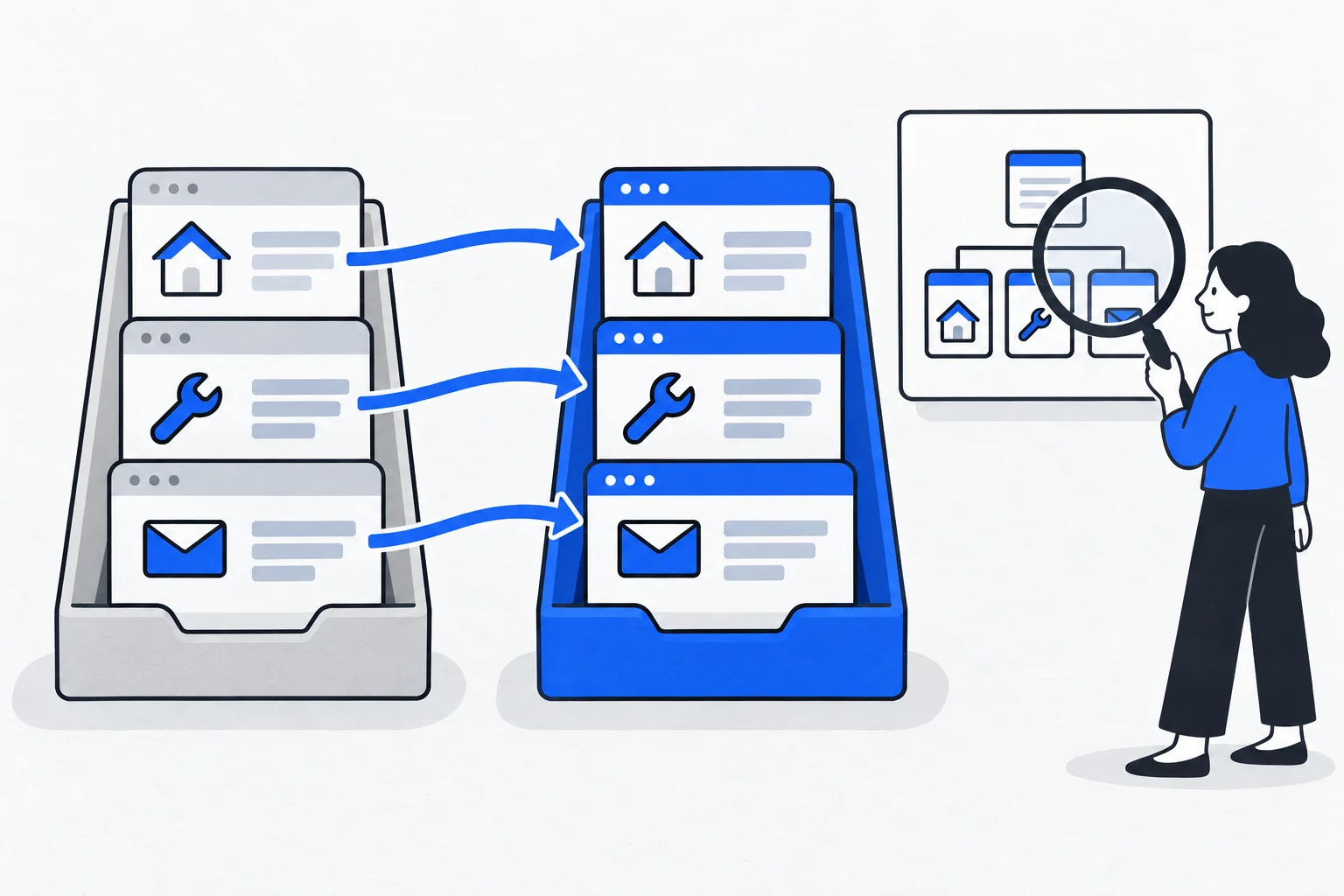
For each important old URL, record the appropriate new destination or an intentional removal decision. This differs from an XML sitemap: the migration map describes the relationship between old and new states.
Several articles can map to one genuinely comprehensive replacement. A discontinued service without an equivalent may require a different response. Preserve the reader’s task rather than making every old URL avoid an error at any cost.
Coordinate the signals
Use an appropriate permanent redirect for lasting moves. The destination’s canonical URL, sitemap entry and internal links should agree. Updating internal navigation avoids unnecessary detours. Redirect guidance
Do not accidentally retain development noindex or access restrictions on public pages. Images, downloads and important secondary pages belong in the plan too. A working homepage does not validate the migration.
Example: a specialist coffee-machine shop
Imagine a shop moving its descaling guide from an old domain’s /advice/descaling to the new domain’s /guides/coffee-machine-descaling. It records that pair, redirects directly and updates links from products, menus and related guides.
A discontinued model has no equivalent replacement, so its handling is decided separately instead of defaulting to the homepage. Tests include an old bookmark, an external link and a mobile visit.
Compare technical and search evidence
Search Console and analytics help observe old and new URLs, traffic and problems. Response checks establish redirect paths and final content. Correct technical behavior can coexist with temporary search fluctuations. URL Inspection
Record priority pages and their pre-migration state. Without a baseline, distinguishing new failures from old ones is harder. Inspect important URL groups as well as overall traffic.
Keep old entry points working
Google generally recommends retaining migration redirects for at least a year; longer can help people following old links. The old domain and serving requirements do not disappear on launch day. Site-move guidance
The objective is to preserve useful old connections while creating direct new ones. Preparation reduces avoidable errors but cannot guarantee unchanged rankings or immediate performance.