Template: a reusable starting point for a real task
A template is a reusable structure that someone fills or adapts to complete a recurring task. It supplies the layout, prompts or fixed elements, while the user adds the facts that belong to the particular situation.
Also known as: document template · content template
At a glance
- A template provides a starting structure, not a finished answer.
- Explain which fields people must replace and which parts are optional.
- A useful template saves decisions without hiding important differences.
On this page
What stays fixed, and what changes?
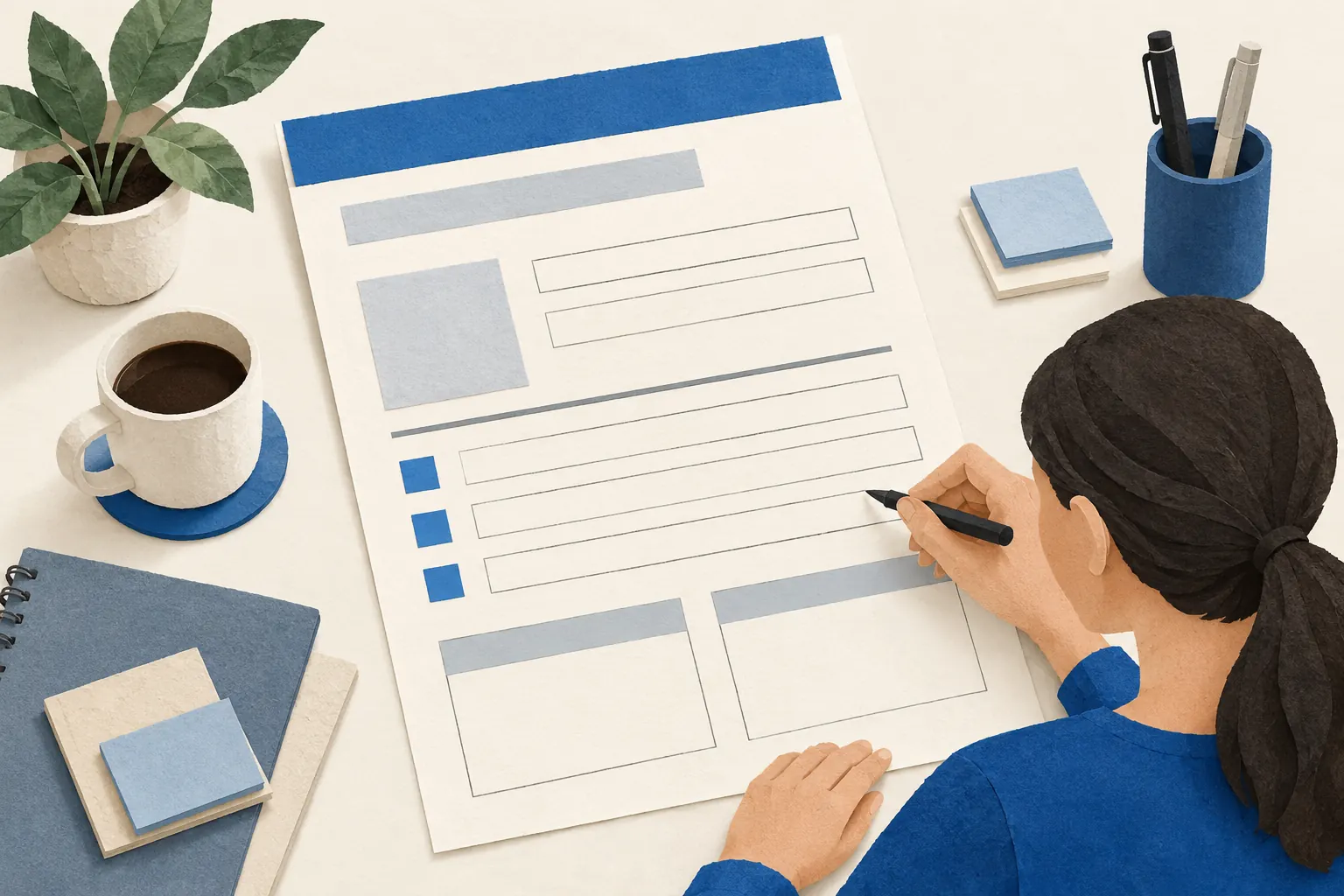
A template separates recurring structure from situation-specific information. A project brief might always ask about the goal, audience, deadline and approval owner. The answers should change with the project. Microsoft describes a template as a starting point for documents people create repeatedly in its template guide.
In content marketing, the template itself can be the useful resource: a meal planner, interview worksheet or maintenance record. It can also remain an internal aid for writing consistent articles. Those are different audiences, so explain who should use the version you publish.
A small-business example
Imagine a wedding florist sharing a flower-planning template. It asks for the venue, date, spaces to decorate, preferred colours and an approximate budget. One completed fictional example shows the level of detail expected, while the downloadable version is blank.
The florist does not prefill every wedding with the same flower varieties or claim that a sample budget is a quote. A short note explains that season, availability and the final design affect the proposal. The template prepares a better conversation; it does not replace one.
Template, checklist or finished example?
A checklist helps someone verify that tasks or requirements have been covered. A template gives them a structure in which to create their own output. A finished example demonstrates one possible result. A single resource can include all three, provided their roles are clear.
For instance, a planning template can contain a small completion checklist and a separate sample. Label the sample conspicuously so people do not mistake its invented names or figures for facts they should reuse.
How to make it usable
Use ordinary field names, short instructions and realistic optional sections. Identify required information, show the expected format and leave enough room for answers. Try the template with someone who has not helped design it: unclear fields become visible quickly.
An accompanying how-to article should explain difficult decisions rather than repeat every field label. In a resource library, describe the task the template supports, its file type and whether people can edit it. Review it when the underlying process changes; attractive formatting cannot rescue outdated instructions.