Search results and measurement
Bing Webmaster Tools: search and AI citation reports
Bing Webmaster Tools is Microsoft’s toolkit for website owners to investigate Bing search performance, crawling and indexing. Its AI Performance report also provides citation data from supported Microsoft AI experiences and certain partner integrations.
Also known as: Bing Webmaster Tools · BWT
At a glance
- Bing and Google Search Console report different providers’ observations.
- AI Performance covers supported experiences, not every AI system or user.
- Adding a site or submitting a URL or sitemap does not guarantee indexing or rankings.
On this page
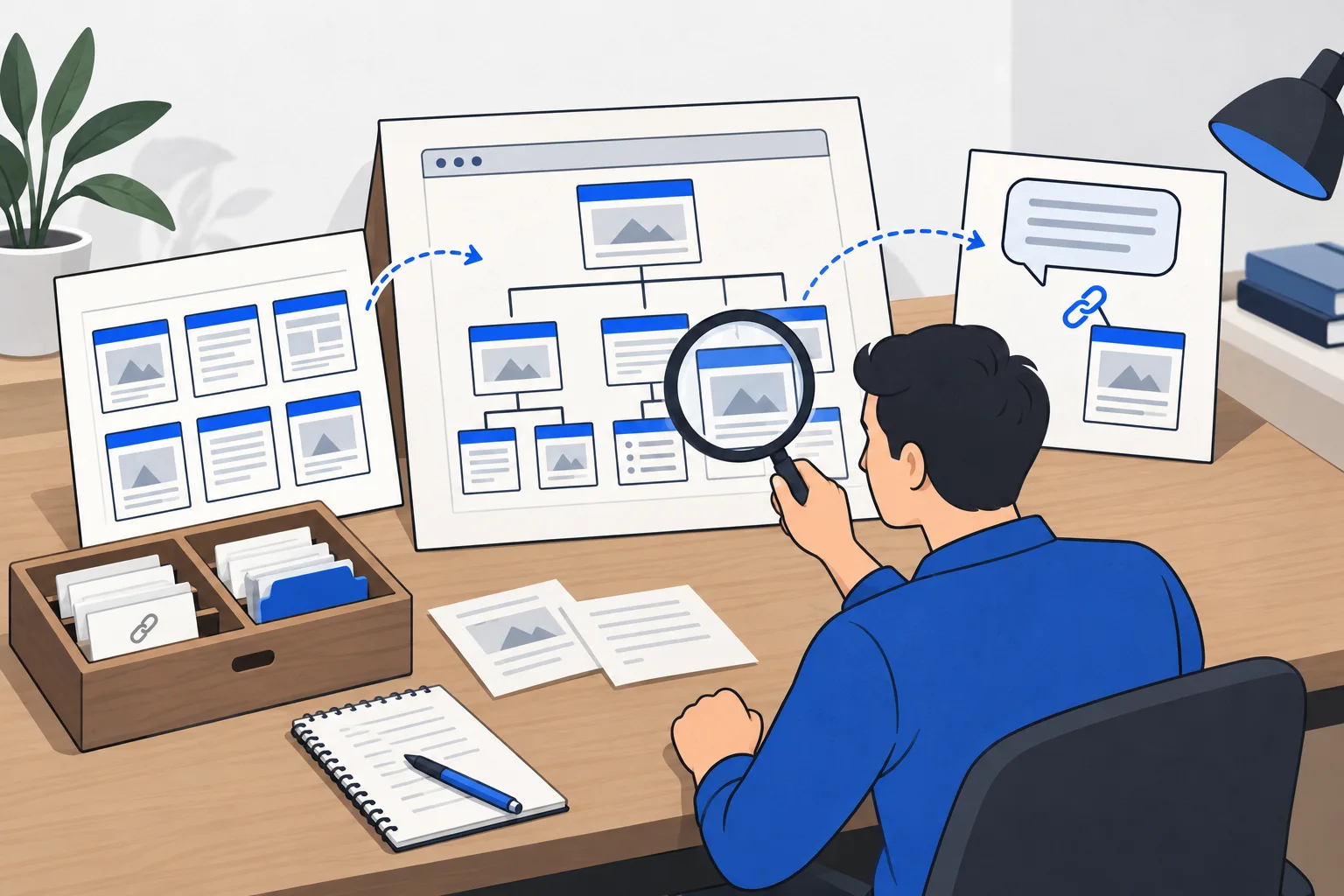
How can a business use it?
Bing Webmaster Tools helps investigate what Microsoft's search engine knows about a website. Alongside performance data, URL inspection, sitemap management and technical reports can identify concrete work.
Google Search Console covers another provider. A page can be indexed by one service before the other processes it. A healthy report in one therefore does not prove the same status elsewhere.
How do you start?
Verify access to the intended website using a supported method. Bing offers several options, including import from Google Search Console where the required permissions exist. Read what access the integration requests.
Then inspect important URLs and the XML sitemap. A newly empty report is not automatically a website fault: processing and data availability need consideration.
Interface names and features can change. The durable task is to know which website, period and report you are reading and what question it answers.
What does AI Performance show?
The report covers source citations across supported Microsoft Copilot, Bing AI summaries and certain partner experiences. Citation counts and cited URLs help identify content used as a source.
Microsoft's documentation distinguishes aggregate citation data from placement or importance within an individual answer. Sample grounding queries also need not reproduce the user's original wording.
An AI citation is not a website visit, and a visit is not a purchase. The report is useful evidence within its coverage, not a complete ledger of AI visibility across every platform.
Example: a translation agency's guide
Imagine a Hungarian agency publishing the documents needed to prepare a particular translation request. AI Performance shows citations to the guide while web analytics records relatively few visits.
That is not necessarily a contradiction. An answer can use a page without every reader clicking it. The agency checks the period, exact URL and metric definitions, updates outdated instructions and investigates actual inquiries separately.
A recorded citation can establish an appearance within the report's covered experiences. It does not by itself prove that the agency was recommended as a provider.
How do observations become useful tasks?
If an important URL is absent from the index, inspect access, exclusion directives and the content itself. If an old version persists, investigate when and how the search engine learned about the update.
IndexNow signals URL changes; it does not force indexing. Repeated submission cannot substitute for accessible, accurate and useful content.
A practical task names the affected URL, observed problem, intended correction and follow-up check. That is more actionable than treating every dashboard warning as a universal site-wide failure.